

The Best Value for War Thunder Mobile Top‑Up
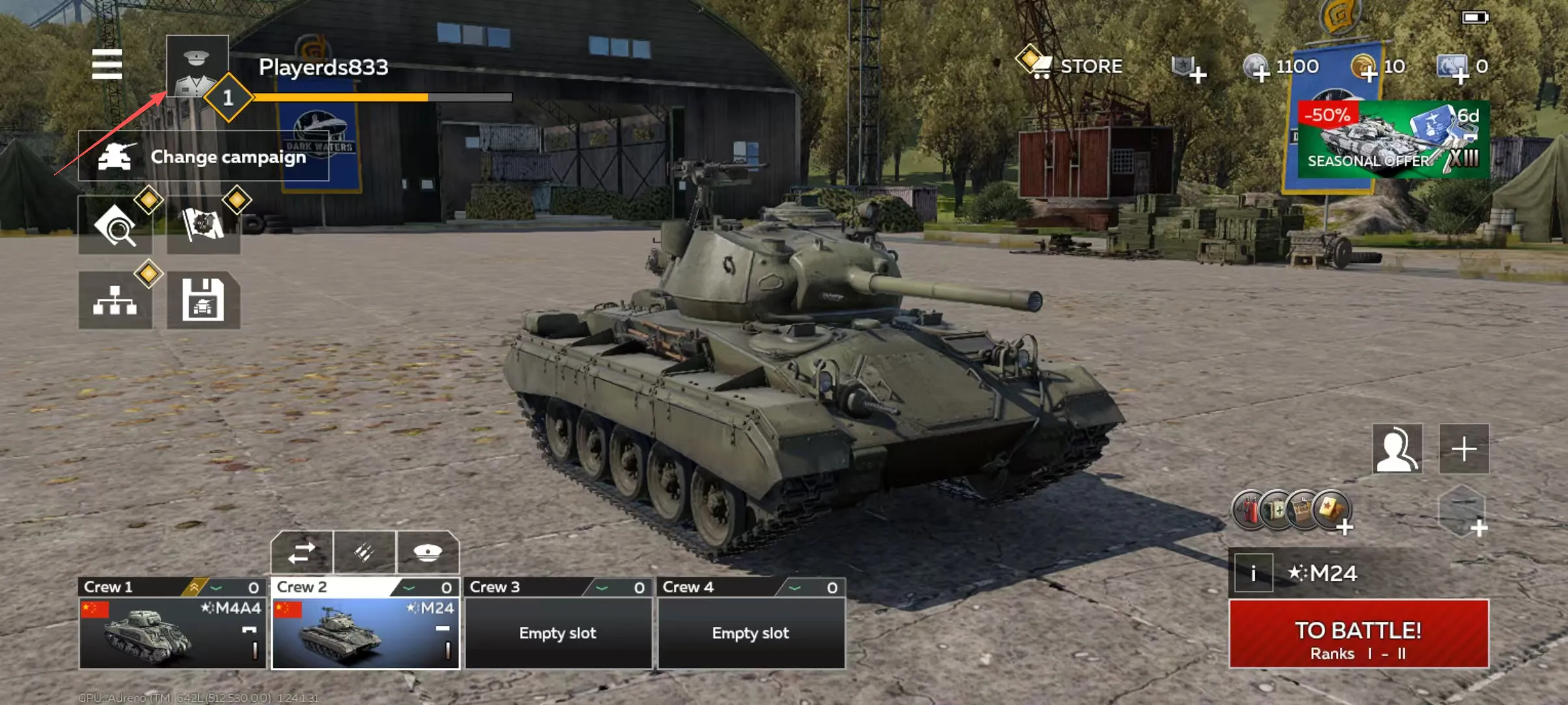
Fight using legendary military vehicles in this new mobile PvP MMO combat game! Air, naval and ground vehicles fight together on the same battlefield, just like real battles. All ships, tanks and aircraft in War Thunder Mobile look and function exactly like their real world counterparts, gameplay is fast and exciting, and players can easily control their awesome machines of war.
Explore military history by experiencing dozens of authentic vehicles from the USSR, Germany, France, Japan and the United States (more nations will come in the future). Progress through the game, unlock better equipment, optimize your ammunition types and customize gear to increase your chances of dominating the battlefield.
Pick your favorite vehicles and experiment with a lineup of machines to find what suits your play style. There are 100+ ground vehicles, warships and aircraft available currently, and in the future the game will constantly be receiving more and more legendary authentic military vehicles. There are plenty of options to customize and modernize your tanks and planes to fit your style.
Dominate the battlefild alone or together with a squad of your friends!
What You Need to Top Up
Applicable Platforms
Mobile
Applicable Servers
Global Server
Required Information for War Thunder Mobile Top-up
Note: Please make sure you have linked your game with Gaijin e-mali before the top-up
1. Gaijin account & password
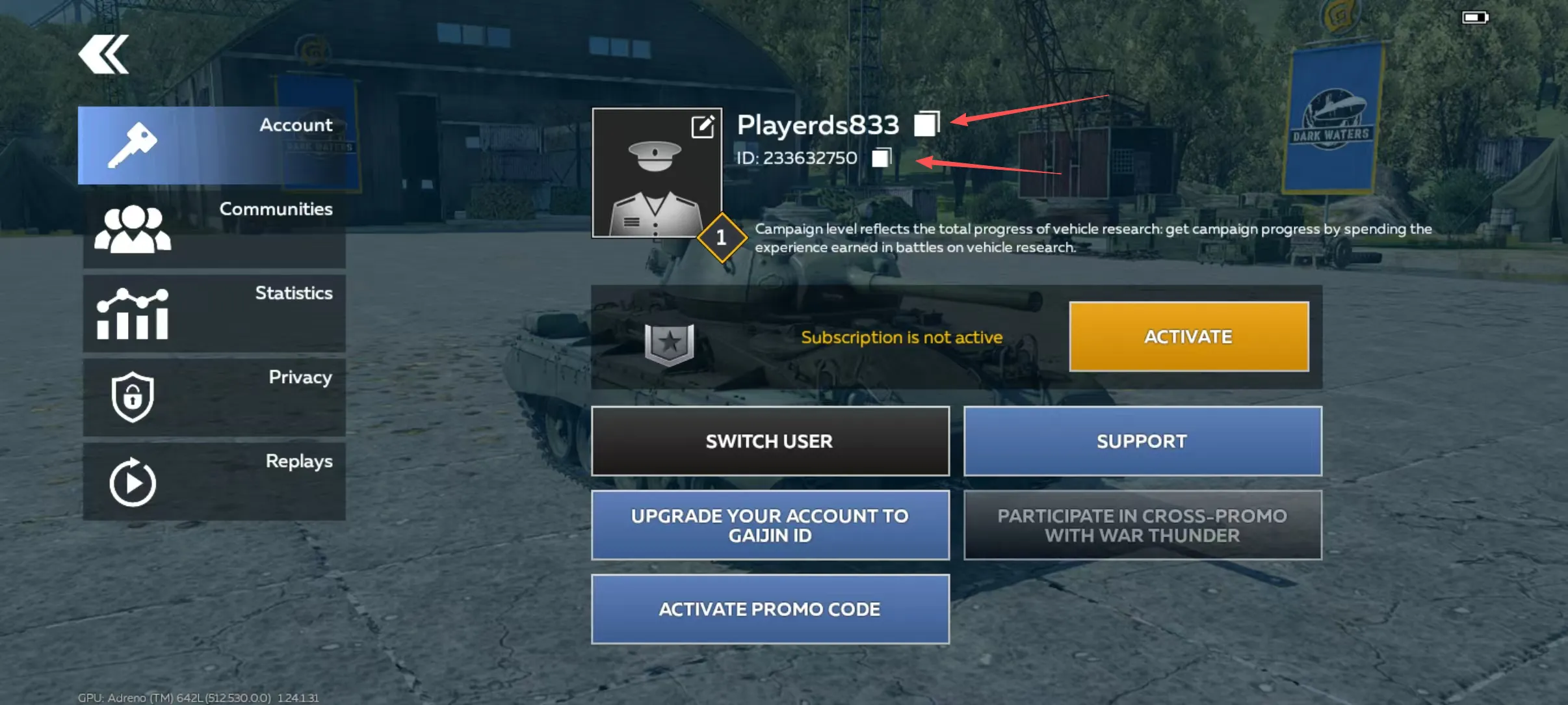
2. User ID
3. Character Name
How to Top Up War Thunder Mobile on LDShop
1. Go to the official LDShop website, select your language and currency, and log in.
2. Choose how many Diamond you want, enter your Character ID and Character Name, then click “Top Up Now”.
3. Pick your preferred payment method and complete the payment.
4. Check your order status in the Order Center. Once the top‑up is done, log into the game to confirm your Diamond balance has increased.
If you run into any issues, contact our customer support (click the support button in the bottom‑right corner of the platform).