

Buy WOS Top up at a good price
Build a thriving shelter in WOS with your allies in the frozen wasteland and survive in the harsh winter. To survive and advance in the ranks, you'll need a consistent supply of survival resources. That's why top-up WOS is crucial to earning a competitive edge and staying ahead.
LDShop provides a range of top-up options, including pure Gems, All-In-One Packs, Weekly Card Bundle, and Monthly Card Bundle. Different options are available to meet your unique demands. Top up safely and fast with LDShop to boost your gaming experience today!
Join our Discord to participate in the $10 LD Coin giveaway and get more offers and information
Discord: https://discord.com/invite/6VVYPqkVj7
Top-up Required Information
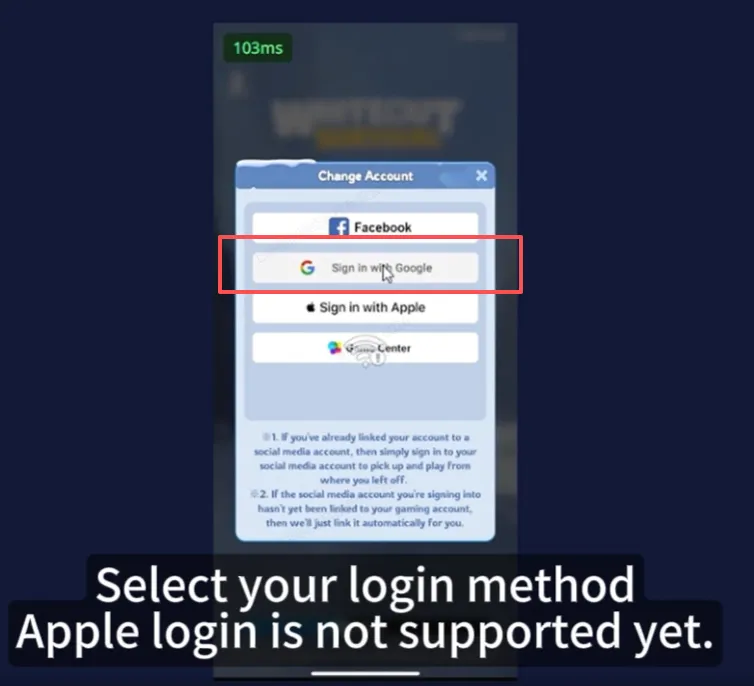
- Bound Account (Facebook, Google)
- Gift pack Screenshot
* Important Tips:
1. Currently only supports accounts with Google and Facebook login methods. If you have any questions, please consult customer service.
2. Please do not log in to the game during the recharge process. It is recommended to change the account password after the recharge is completed.
3. Stored value may require a login verification code, add customer service discord below, login top-up verification is faster.
*Please be sure to accurately fill in the required information to avoid affecting your recharge.
*Do not log in to the game during recharge. Continue monitoring the order center and provide verification info promptly.
Recharge Process
If you purchased the "49.99 Pack", it can be redeemed for any in-game pack of equal value.
Redemption Process:
Contact customer service and provide screenshots of the gaming pack you want to purchase.
Note: This policy applies to all other priced packs as well. For further assistance, please reach out to our customer service.
How to top up WOS at LDShop
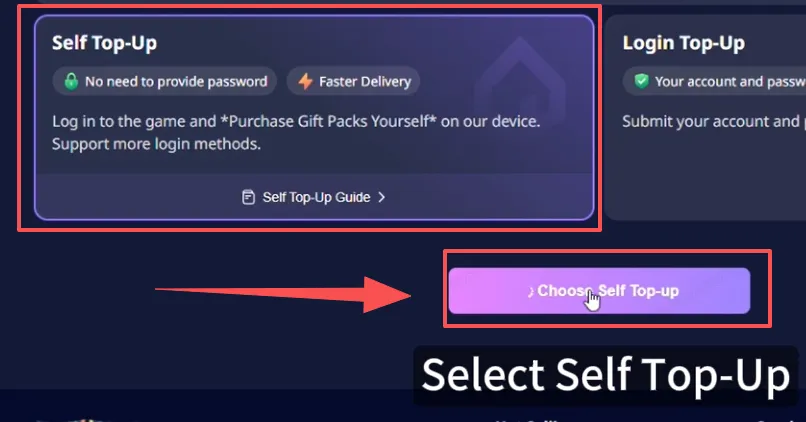
1. Select the product you wish to purchase, then click "Top up".
2. Choose your preferred payment method and make the payment.
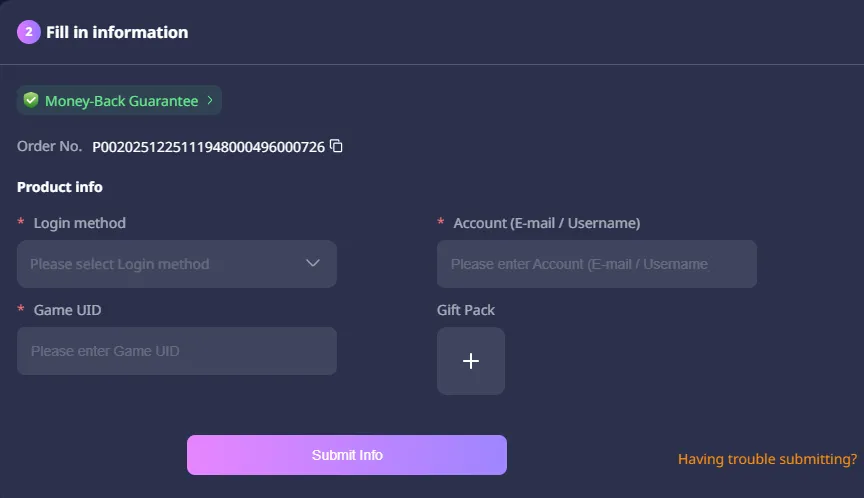
3. Select the Login method, enter your WOS Account, password, and username.
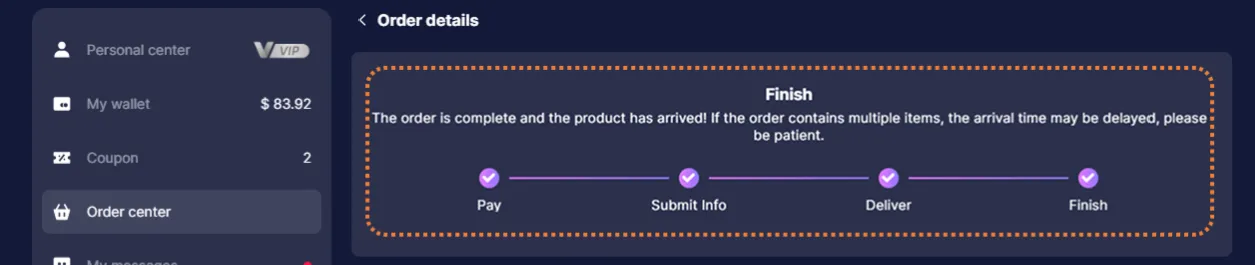
4. Check the top-up status in the order center. After the top up is completed, you can check the result in the game.
5. If you encounter any problems, please contact customer service (contact method: click the customer service button in the lower right corner of the platform).
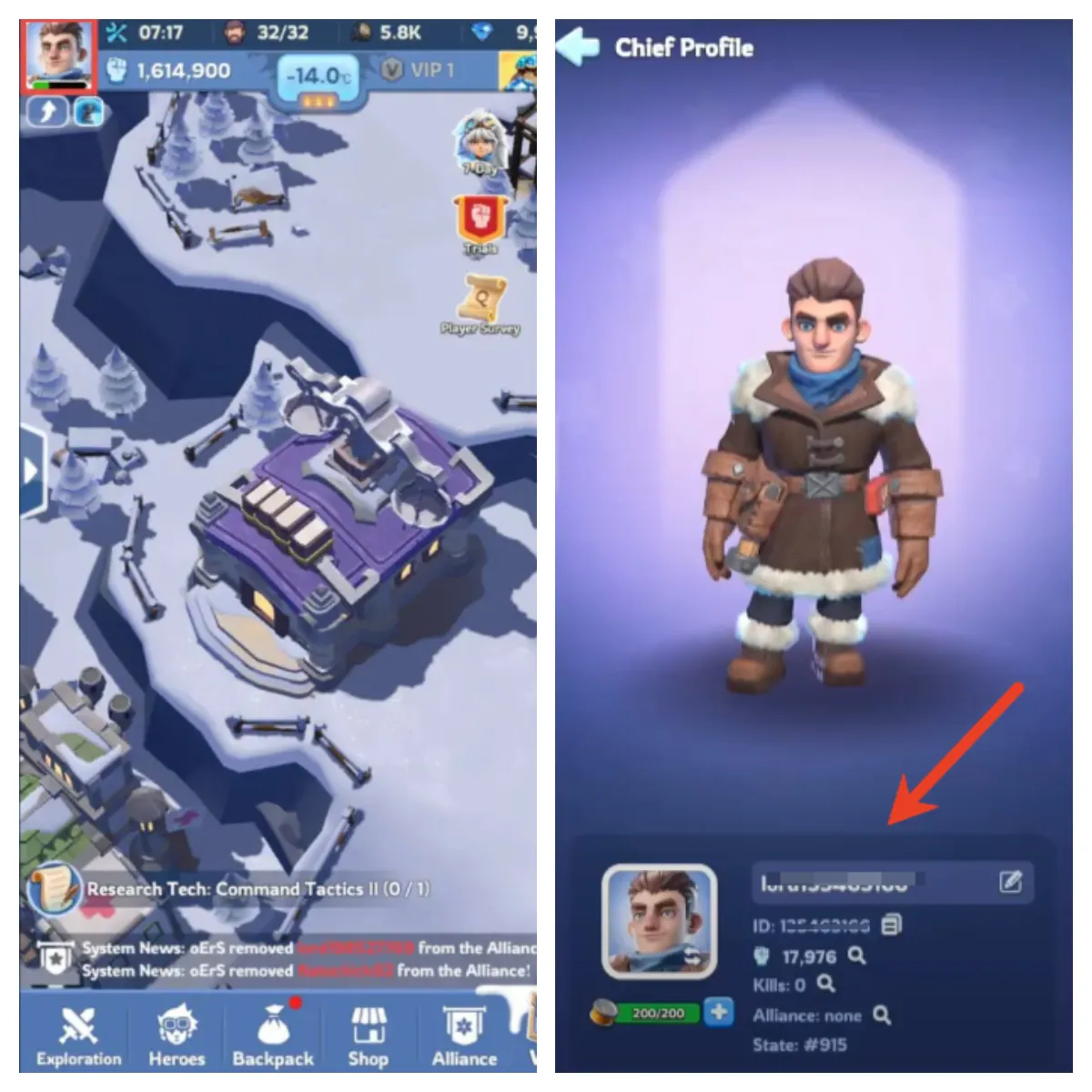
* Note: Click your avatar on the top-left corner, and your character name will be displayed on the right side of your profile pic.
First Recharge Bonus
The first time you recharge Gems, you will receive double the amount of Gems, which is comparable to a 50% discount! As a result, it is recommended that you top up larger amount of Gems for your first recharge.
1. Place Your Order & Check Out
Complete your purchase securely through our checkout process.
2. Share Account Access (Google/Facebook)
After payment, send your account email/login details to our support team via secure channels. Do not share your password directly.
Important: Avoid logging into the game during this process to prevent conflicts.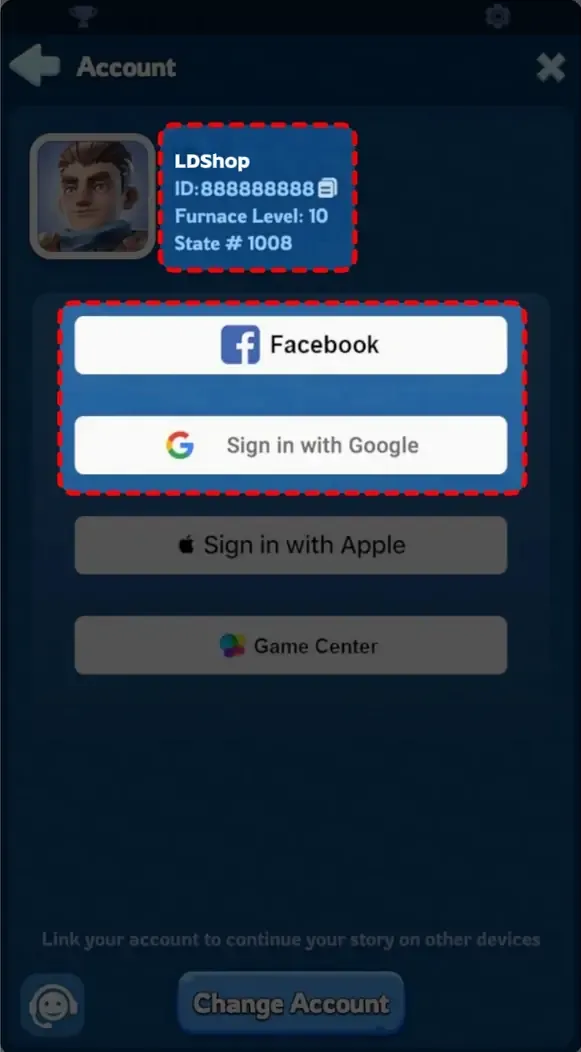
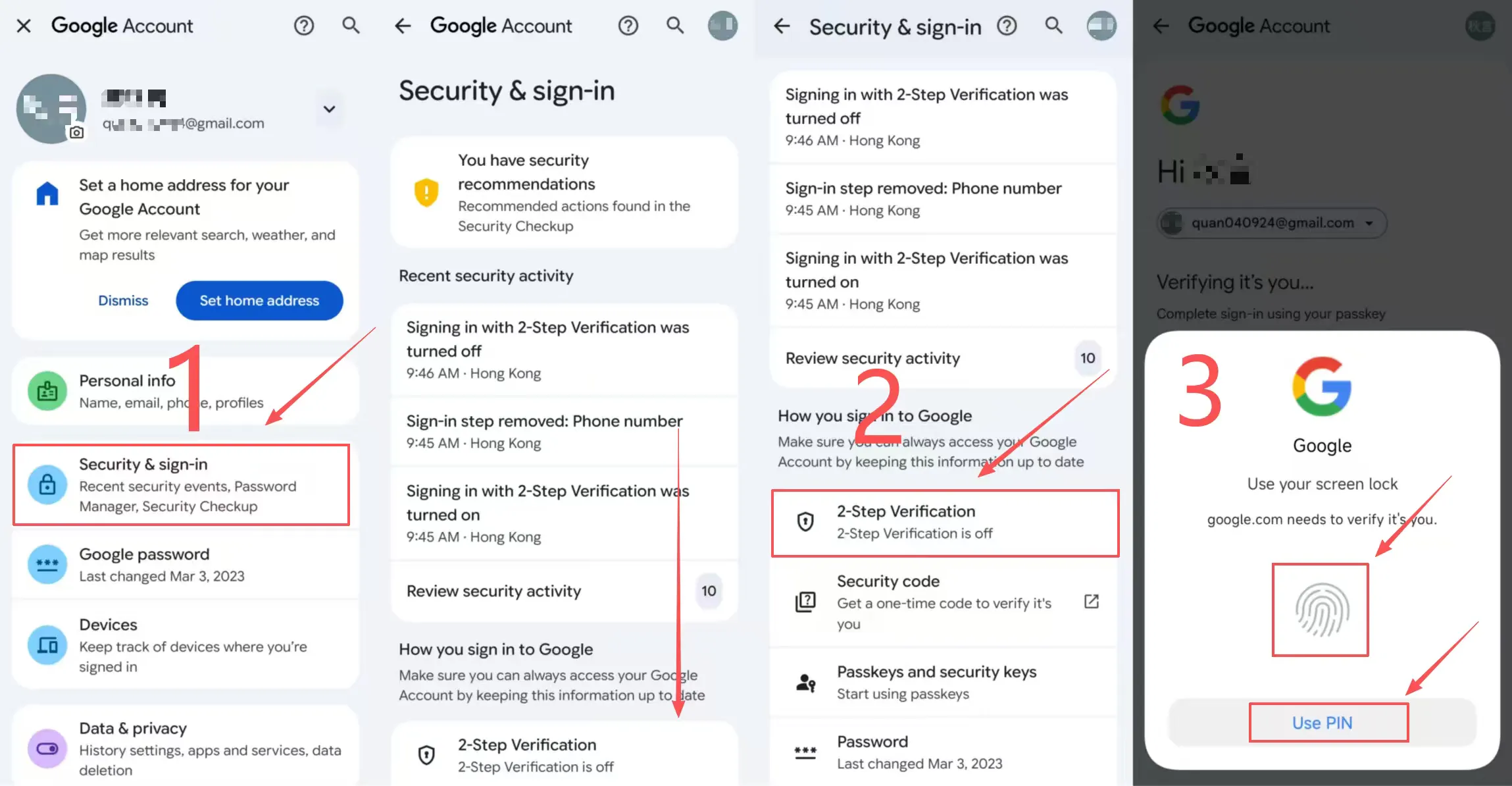
*If you are using Google login, please make sure that Google secondary verification is enabled.
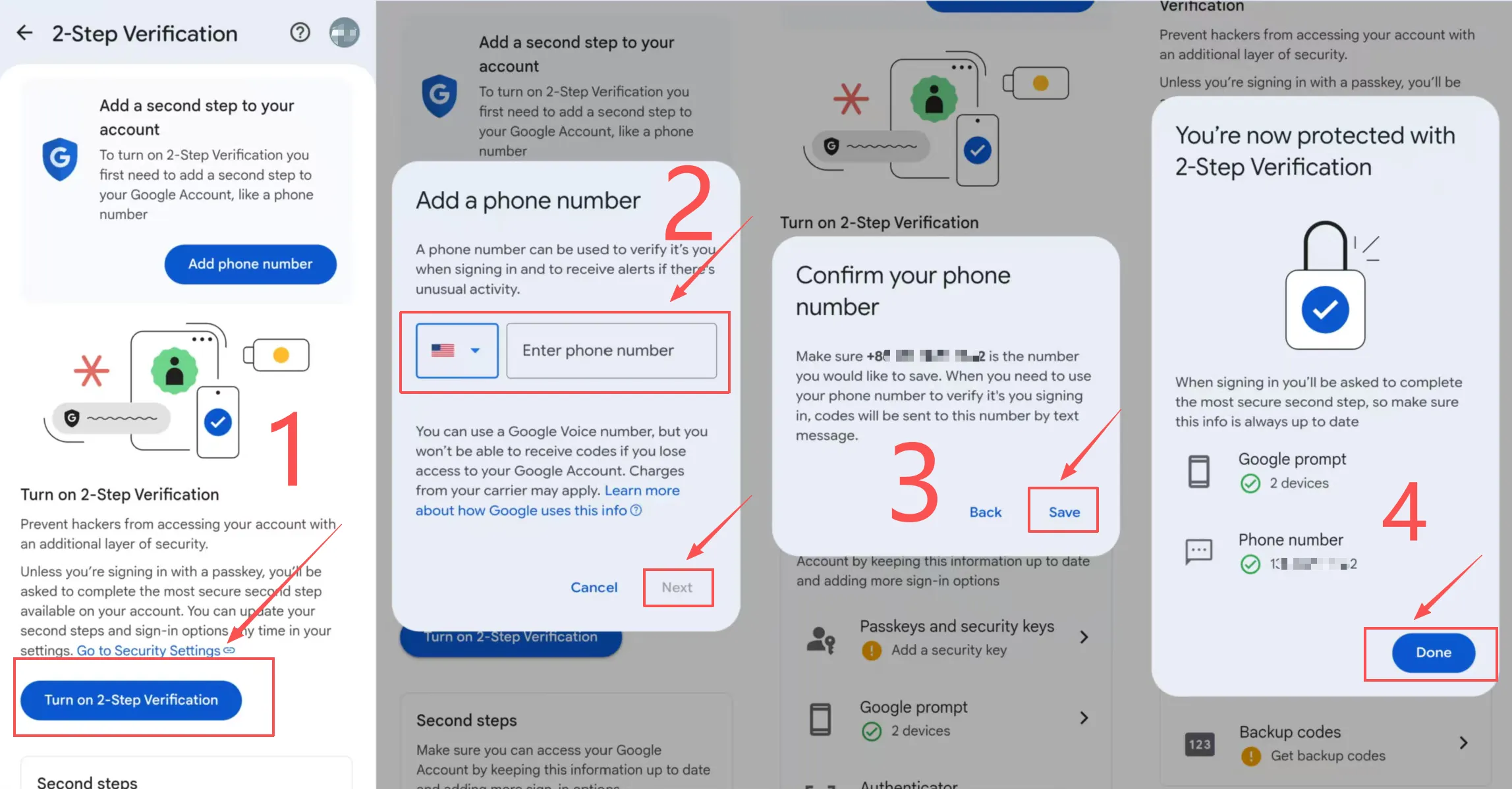
3.How to set up Google's 2-step verification?
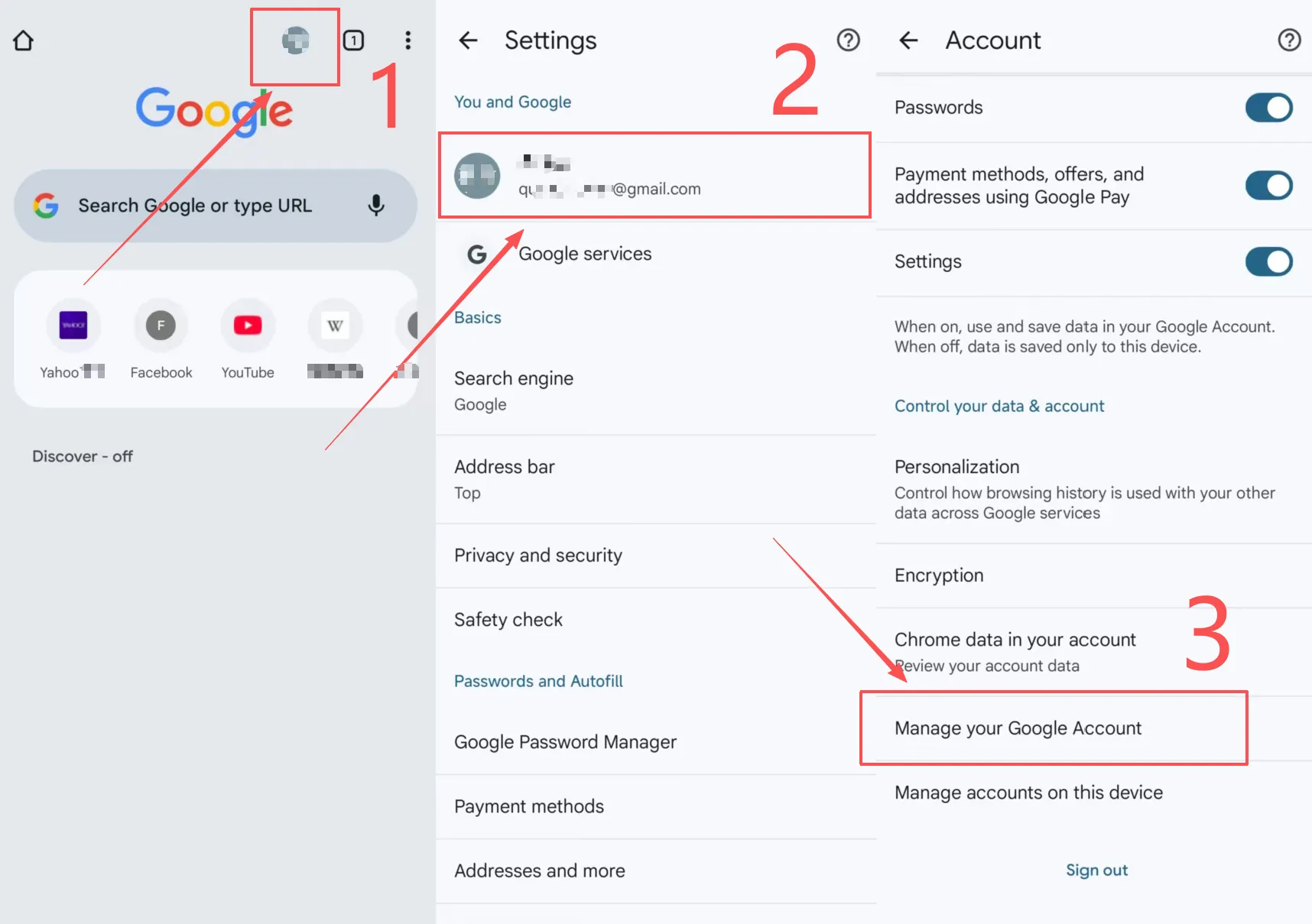
1. In Google Chrome, click on your avatar in the upper right corner.
2. Click on your account in "You and Google".
3. Slide down, select "Manage your Google account" and select "Security".
4. Slide down and turn on "2-step verification" for authentication.
5. Click "Enable two-step verification" to enter the mobile phone number you need to bind.
6. "Next", complete the 2-step verification.
4. Submit a Screenshot of Your Purchase
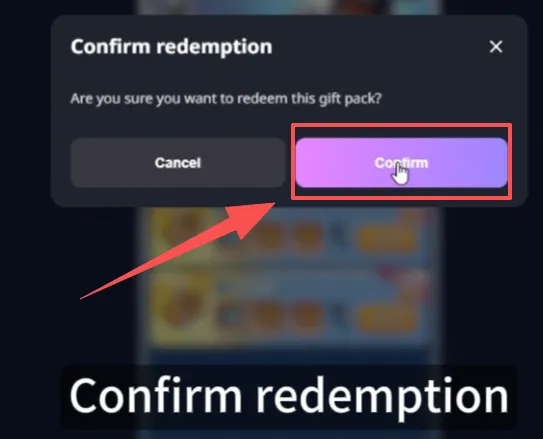
Share a screenshot of the in-game item/pack you ordered with our customer service. We’ll use this to process your top-up accurately.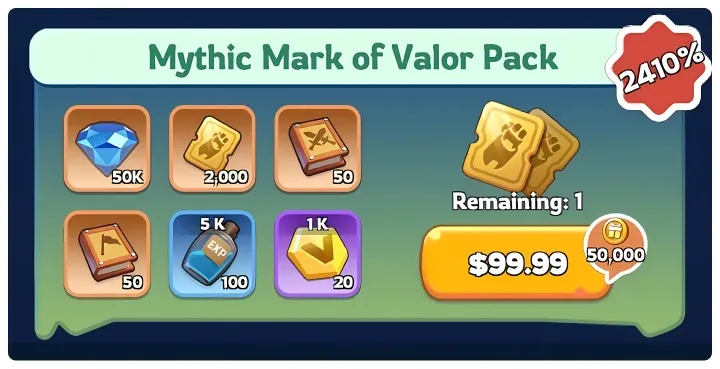
5. We Handle the Rest
Our team will securely log into your account, complete the purchase/top-up, then log out and clear all login traces for your safety.
6. Confirmation & Verification
You’ll receive a notification once the top-up is done. Log back into your game to confirm your items are delivered!