LDShop
guide registrationลงทะเบียนทันทีเพื่อรับส่วนลดของขวัญสมาชิกใหม่ 15%!ไปที่การลงทะเบียน >
Gears of War: E-Day (Global) | Xbox PC Key

Gears of War: E-Day (Global) | Xbox PC Key

🔥เชิญเพื่อนและรับ 15%OFF

เกมอื่นๆ ที่คุณอาจชอบ

คำอธิบาย

Buy Gears of War: E-Day cheaper at LDShop and get ready for your next gaming adventure. Check Xbox compatibility, release information, product details, and availability before placing your order.


Gears of War: E-Day Edition Comparison

Compare the available editions of Gears of War: E-Day and choose the version that best fits your gaming needs and budget.

Standard Edition

Xbox global reference: US$69.99+

Includes the Gears of War: E-Day base game for Xbox Series X|S and the listed pre-order bonuses. The global Xbox listing shows a US$69.99+ reference price; confirm the live LDShop price, pre-order status, and exact bonus entitlement in the selected listing.

Premium Edition

Xbox global reference: US$99.99+

Includes the base game, up to 5 days of Early Access, the Bravo Squad Signature Weapon Pack, five Seasonal Customization Packs starting with the Emergence Pack, and 1,000 Iron. The selected product must explicitly include these Premium Edition entitlements.


Before You Buy Gears of War: E-Day on Xbox Series X|S

1

Confirm that you are buying the correct Xbox Series X|S version of Gears of War: E-Day.

2

Check the region restrictions and make sure the game key works with your account.

3

Review the system requirements and storage before purchasing or downloading the game.

4

Check the Activation Guide beside the purchase section above before placing your order.

5

If activation fails, contact LDShop's 24/7 customer support for assistance.

Game Details
PlatformXbox Series X|S
Product TypeXbox Digital Code – Full Game
Release DateOctober 6, 2026 global launch; Premium Edition Early Access from October 1, 2026
PublisherXbox Game Studios
DeveloperThe Coalition
GenreAction / Adventure / Shooter
StorageNot listed on the current global Xbox page
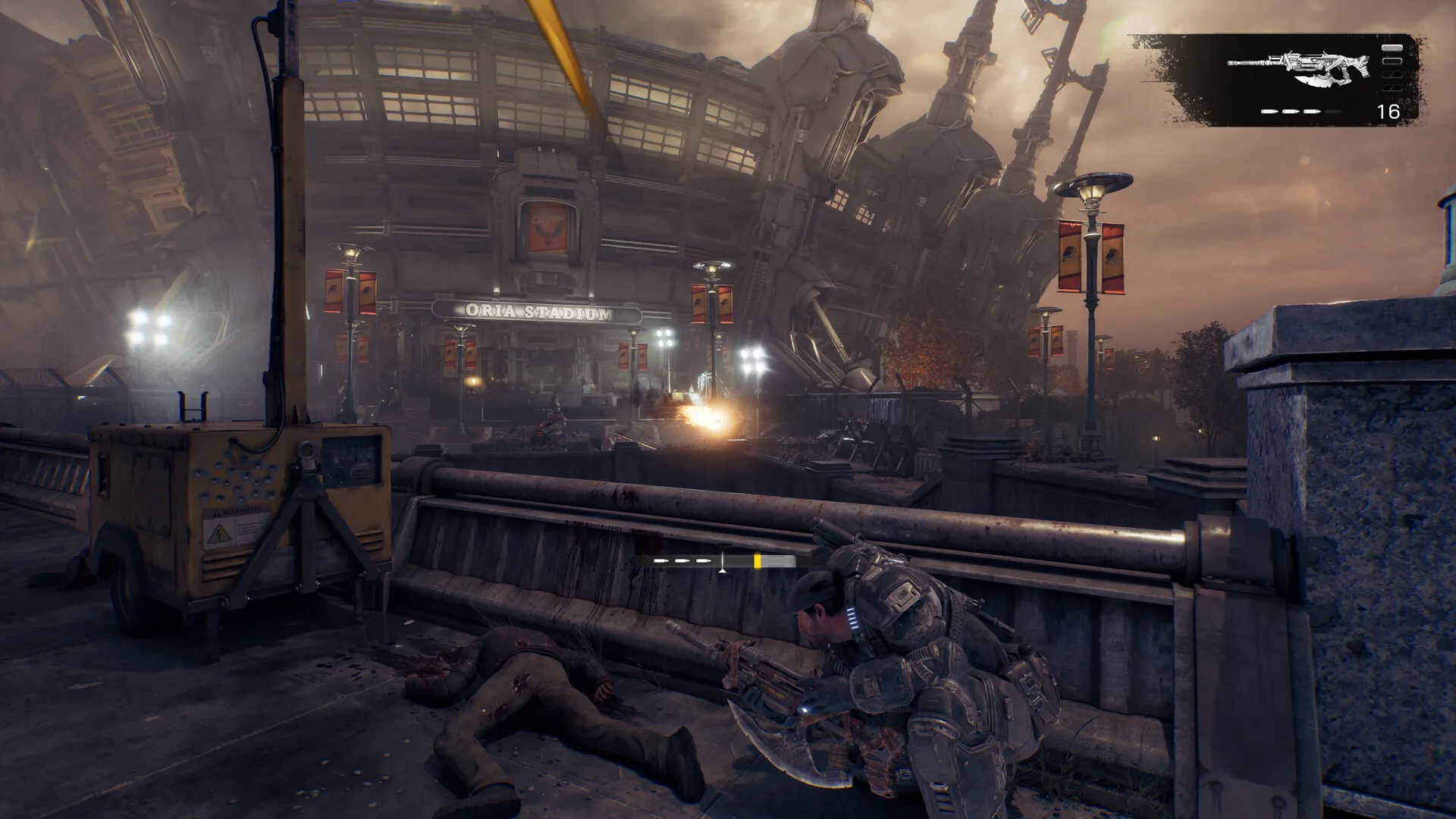
Gears of War: E-Day Screenshot 1
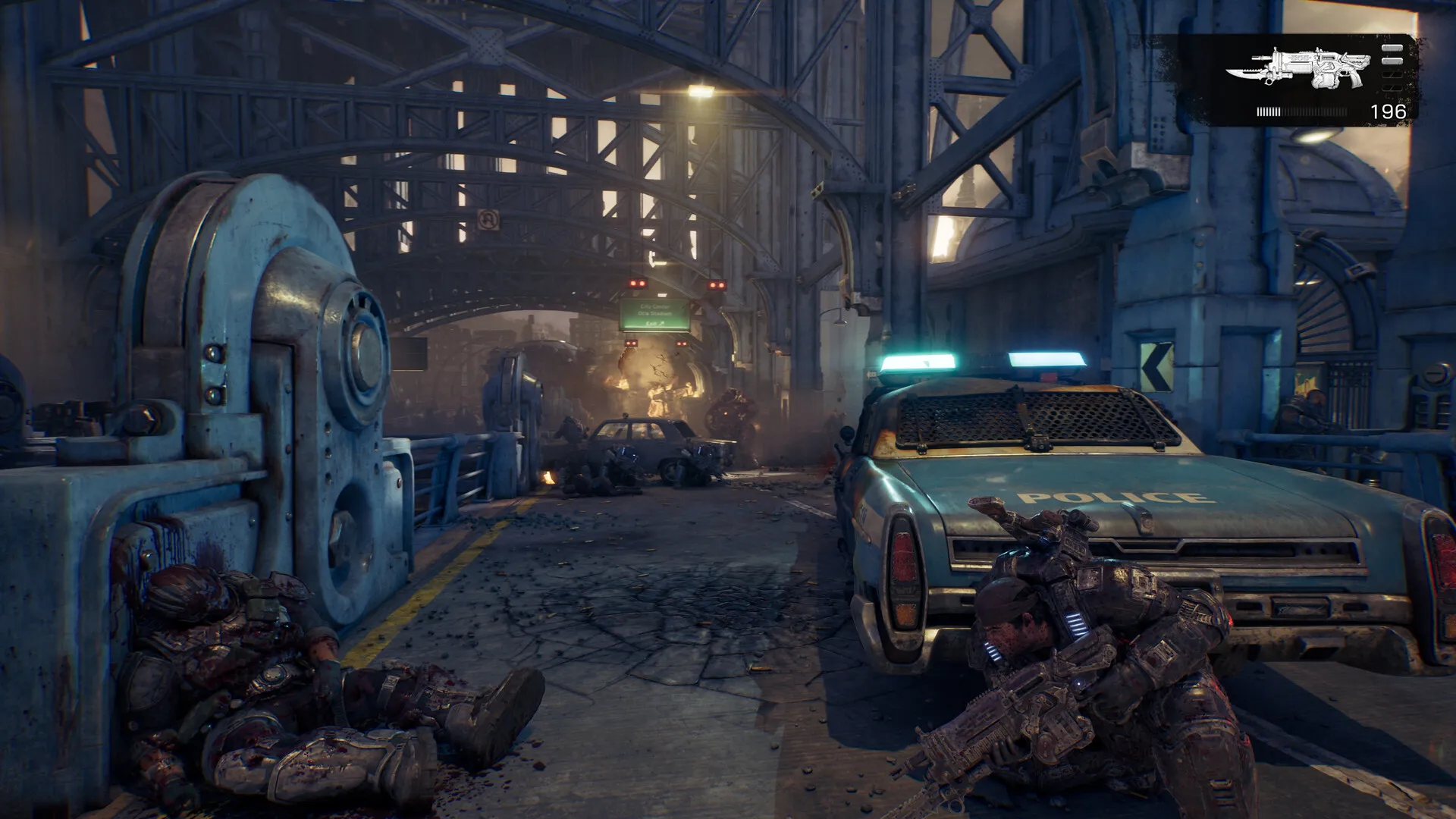
Gears of War: E-Day Screenshot 2


Why Buy Gears of War: E-Day on LDShop?

Competitive Prices & Extra Savings

Get Gears of War: E-Day at a competitive price and enjoy frequent discounts, extra coupon offers, and cashback on selected products.

Fast & Secure Delivery

Use the Microsoft account connected to your Xbox profile when required for a smoother purchase experience and secure delivery of your game.

More Platforms & Edition Options

Choose from supported Xbox editions to find the version that best fits your account and gaming needs.

24/7 Customer Support

Get help anytime with your Gears of War: E-Day digital key, order, delivery, activation, or other after-sales issues from LDShop's 24/7 customer support team.


About Gears of War: E-Day

Gears of War: E-Day is an origin story set fourteen years before the original Gears of War. Follow Marcus Fenix and Dominic Santiago as the Locust Horde erupts from below, then fight through a campaign, Horde Siege, and Versus PvP built in Unreal Engine 5.

The Story of E-Day: Experience the first days of the Locust invasion through a campaign that can be played solo, in two-player split-screen, or with up to four players online.

Horde Siege: Choose Assault, Marksman, Medic, or Breacher, form a squad, complete shared objectives, and face world bosses in an expanded PvE wave-survival mode.

Versus PvP: Compete across new maps and refined 4v4 modes in Ranked or Social playlists, with modernized movement and Gears cover-based combat.

Unreal Engine 5: The game is built from the ground up in Unreal Engine 5, with 4K resolution and up to 60 fps across Campaign and Multiplayer when supported by the display and console.

Xbox Features: Xbox lists local co-op for 2–2, online co-op for 2–4, local multiplayer for 2–2, online multiplayer for 2–12, cross-platform multiplayer and co-op, HDR10, ray tracing, 60 fps+, spatial sound, Dolby Atmos, DTS:X, and Xbox Play Anywhere.

Action Shooter Co-op Multiplayer Xbox Series X|S


Gears of War: E-Day Console Compatibility & Experience Notes

Console Compatibility

Platform Xbox Series X|S
Console Xbox Series X|S console
Memory Information Not listed by Xbox
Xbox Capabilities Xbox lists 4K Ultra HD, HDR10, ray tracing, and 60 fps+ capabilities; exact support depends on the console and compatible display.
Storage Not listed by Xbox
Additional Notes The game requires an initial download and may require future updates or additional storage. Console online multiplayer requires Xbox Game Pass Essential, Premium, or Ultimate; subscriptions are sold separately.

Experience Notes

Platform Xbox Series X|S
Console Xbox Series X|S console
Memory Information Not listed by Xbox
Xbox Capabilities Optimized for Xbox Series X|S; Xbox also lists spatial sound, Dolby Atmos, DTS:X, ray tracing, and up to 60 fps.
Storage Not listed by Xbox
Additional Notes Xbox lists 22 supported languages, 20 accessibility features, Xbox Play Anywhere, and optional in-game purchases. Microsoft Account and acceptance of the Microsoft Services Agreement may be required.

FAQ

How do I activate Gears of War: E-Day on Xbox?

How do I activate Gears of War: E-Day on Xbox?

Redeem the Xbox digital code on the Microsoft redeem page or through your Xbox console after signing in to the Microsoft account you want to use. Once redeemed, install Gears of War: E-Day from your Xbox library. Before redeeming, confirm that the selected LDShop listing is for Xbox Series X|S and that the exact Standard or Premium entitlement is included.

Does Gears of War: E-Day require a subscription?

Does Gears of War: E-Day require a subscription?

Owning the game does not require a separate recurring subscription. However, online Campaign co-op, Horde Siege, Versus, and other online multiplayer features require Xbox Game Pass Essential, Premium, or Ultimate, sold separately. The game is also listed as available day one with Game Pass Ultimate. Premium Edition is a separate purchase that adds up to 5 days of Early Access and bonus content.

Which platforms and languages does Gears of War: E-Day support?

Which platforms and languages does Gears of War: E-Day support?

This product page is for Xbox Series X|S. The Xbox listing shows 22 supported languages and 20 accessibility features, as well as Xbox Play Anywhere. Check the current Xbox listing and your console settings for the exact Traditional Chinese and English language coverage.

Does Gears of War: E-Day support multiplayer?

Does Gears of War: E-Day support multiplayer?

Yes. The campaign supports solo play, two-player split-screen on console, and online co-op for up to four players. Xbox also lists local co-op for 2 players, online co-op for 2–4, local multiplayer for 2 players, and online multiplayer for 2–12. Online modes require a Game Pass subscription that includes console online multiplayer.

Does Gears of War: E-Day support cross-platform play?

Does Gears of War: E-Day support cross-platform play?

Yes. The official Xbox listing includes Xbox cross-platform multiplayer, Xbox cross-platform co-op, and Xbox Play Anywhere. The store summary does not define every participating platform or feature, so confirm the current official details if cross-platform play or shared progression is essential to your purchase.

Is it safe to buy a Gears of War: E-Day digital key on LDShop?

Is it safe to buy a Gears of War: E-Day digital key on LDShop?

LDShop offers digital-key listings, but the exact entitlement and account applicability depend on the selected product. Before payment, verify Xbox Series X|S, the Standard or Premium edition, the release or Early Access timing, included pre-order bonuses, applicable activation restrictions, and the final order information. Do not assume that every listing includes Premium content or pre-order rewards.

What payment methods does LDShop support?

What payment methods does LDShop support?

Available payment methods and the live selling price are shown at LDShop checkout and may change over time. Select an available method on the payment page, verify the current price, edition, Xbox entitlement, pre-order status, and delivery information, then confirm the final order details before completing checkout.