


Vast, open biomes stretch out before you as wild, vibrant creatures roam the untamed wilderness, waiting to be befriended or battled. Aniimo's Global Closed Beta, the "Pawprint Test," is finally here, handing players the keys to a stunning new creature-collecting adventure. Before stepping foot into this world and building your dream team, getting your setup right is key to a smooth launch. In this guide, we'll walk through verifying your access, getting the client installed, mastering core gameplay mechanics, and sorting out cross-play rules. Let’s venture into the unknown!

Aniimo Beta Details: Dates & Wipe Rules
Before you start downloading, here’s the quick rundown on how this test works so you aren't caught off guard:
- Pre-download Date: July 8 (UTC+8)
- Beta Start Date: July 9 (UTC+8)
- Test Type: Limited access, non-charging, and data-wipe. (Yep, your progress resets after the test, so go wild and experiment!)
- Platforms: PC, Steam, iOS, and Android.
How to Check Your Beta Access
Didn't get an email yet? Don't panic just yet!
- Check Spam/Junk: Invitation emails often get lost in spam folders, so check there first.
- Use the Site: Head to the official Aniimo website, hit "Log in to Check" or "Check Beta Access", and type in the email you used to register.
Aniimo Gameplay Breakdown: Catching, Combat & Exploration
The Pawprint Test lets you experience Aniimo’s core mechanics firsthand. Here is what you need to master to get ahead:
Catching & Building Your Aniimo Squad
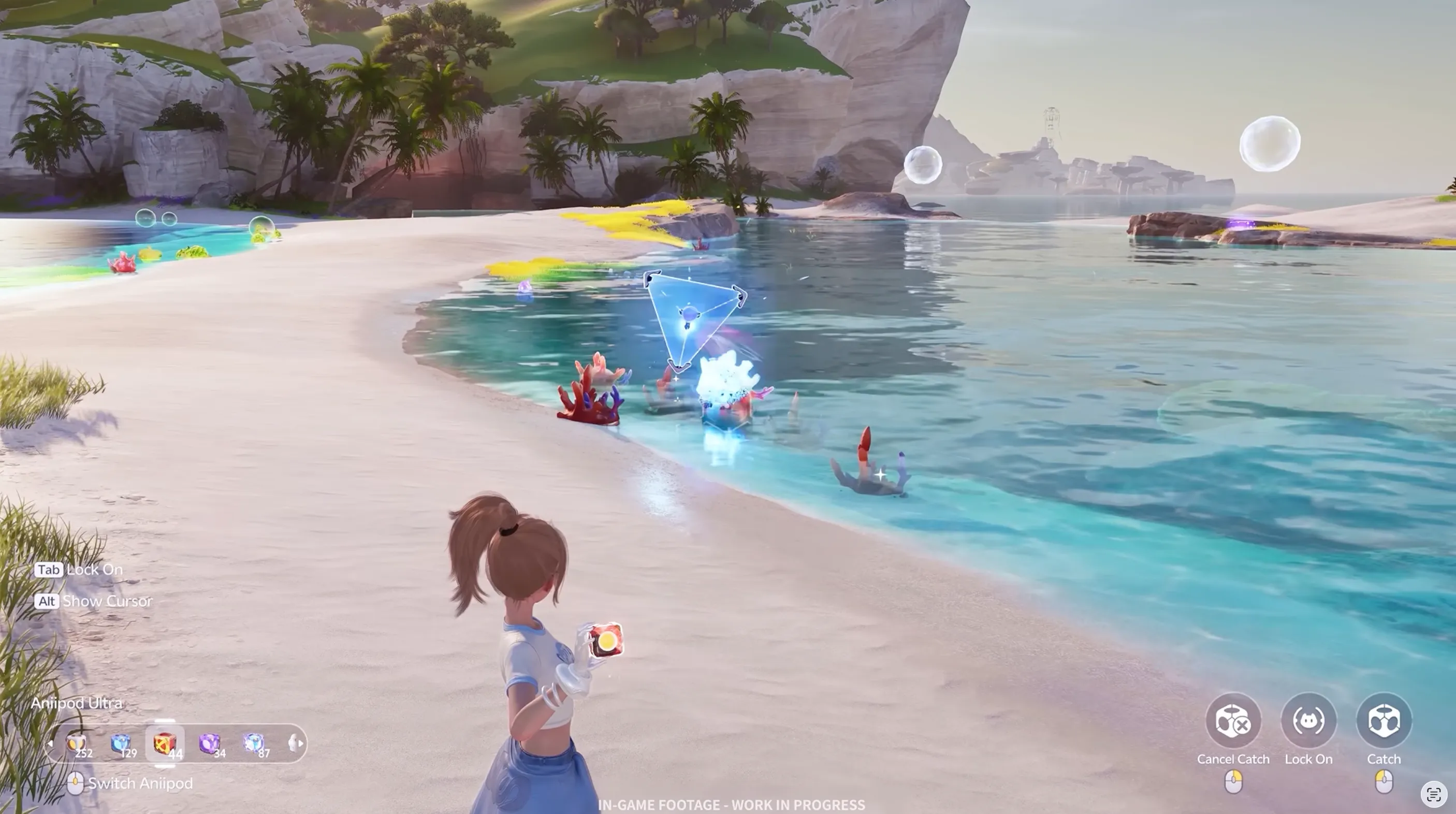
- Catching Mechanics: Wild Aniimo roam the open world. You can weaken them in battle to increase your capture success rate.
- Squad Synergies: You can bring multiple Aniimo into your team. Mix and match different roles like melee attackers, ranged powerhouses, and support companions.
- Partner Abilities: Each Aniimo brings unique skill sets to the fight, so build a balanced squad to cover every combat situation.
Elemental Combat & Real-Time Action
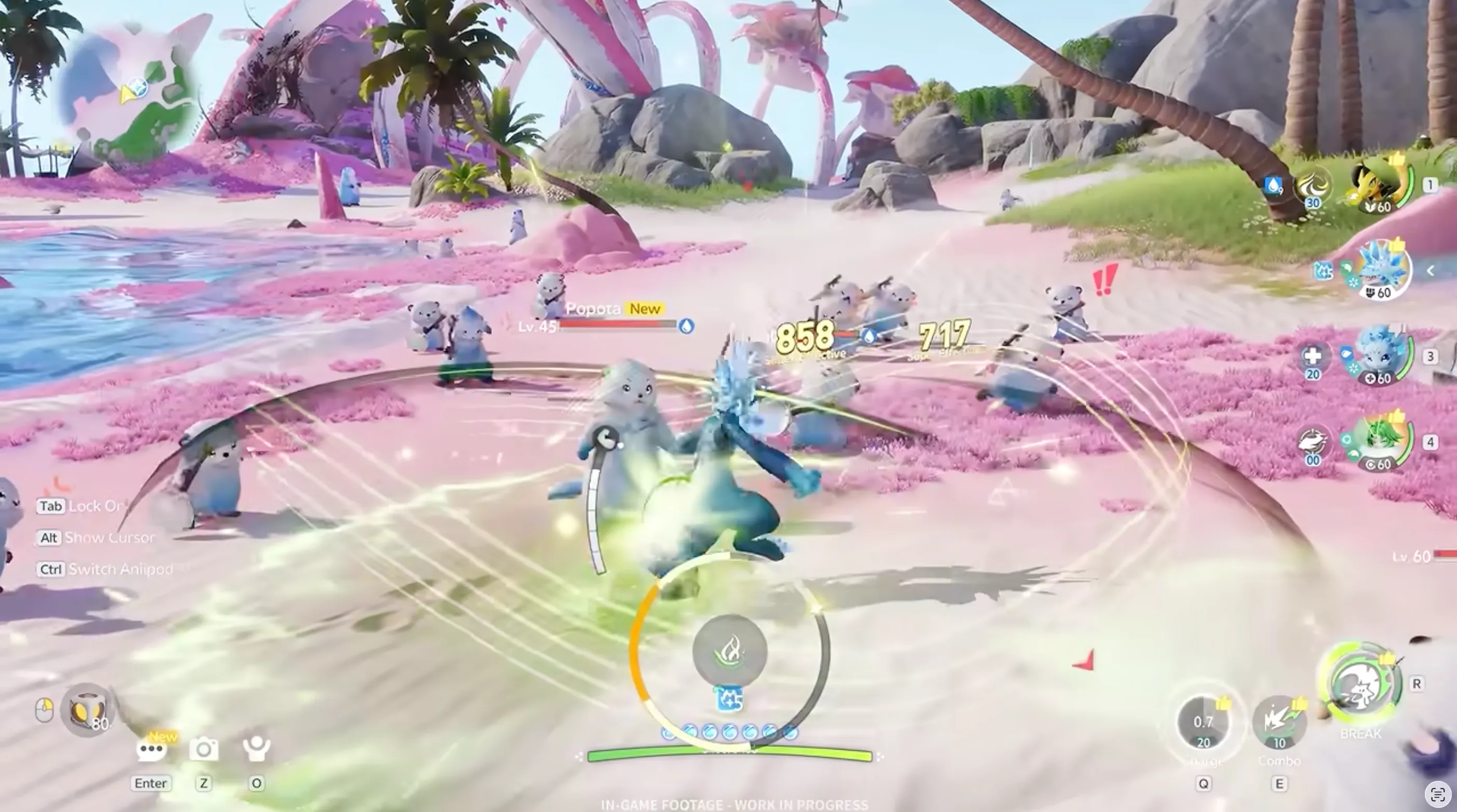
- Elemental Counter System: Combat heavily relies on elemental advantages (such as Water, Fire, Grass, and Electric). Hitting enemies with their counter element deals massive bonus damage!
- Active Swapping: Swap between your character and your Aniimo seamlessly during battles to trigger combo hits and dodge lethal boss attacks.
- Weakness Breaking: Target elite enemies and bosses with their opposing element to break their guard and stun them for free damage windows.
Open-World Exploration & Movement
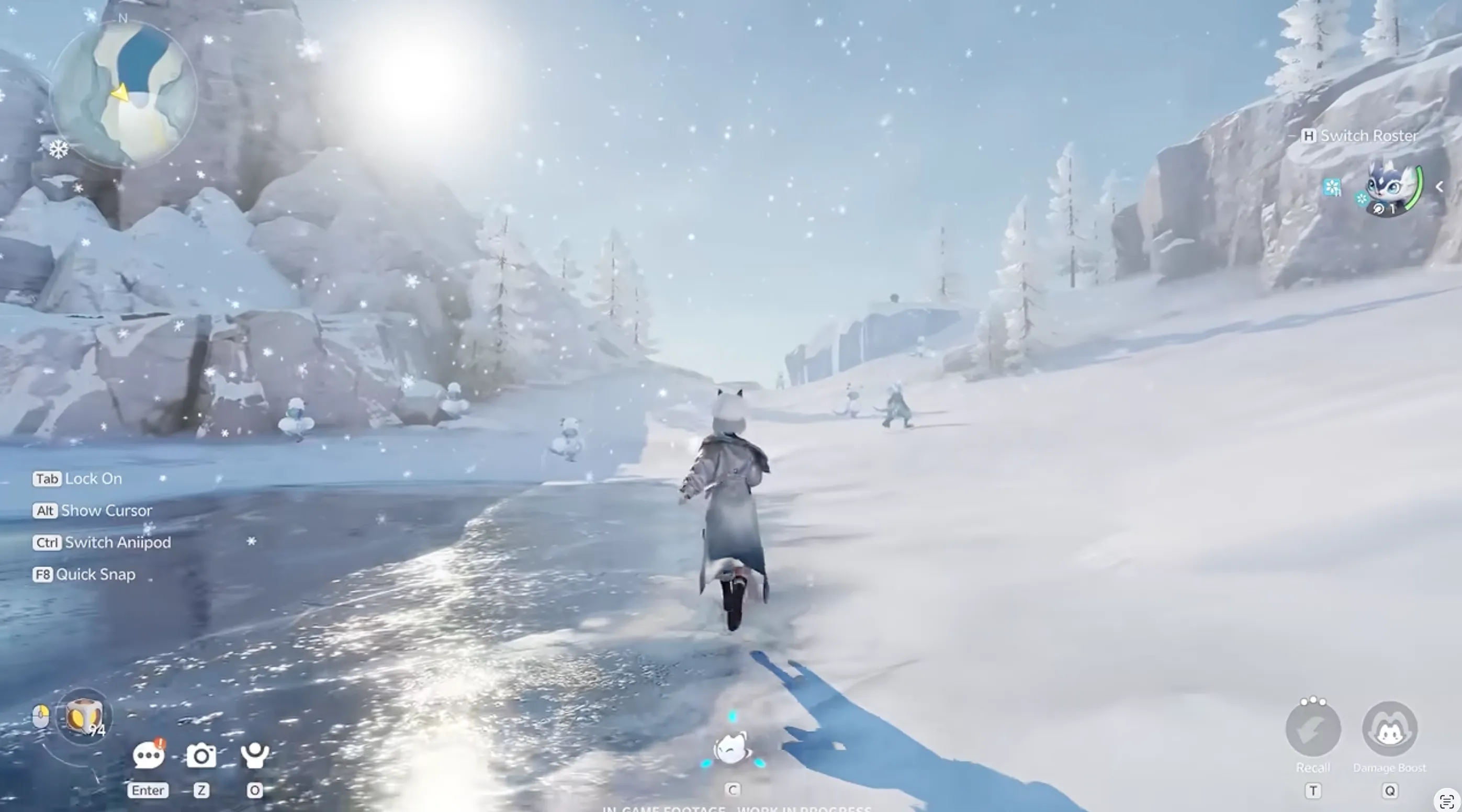
- Traversing the Map: Explore vibrant biomes, unlock fast-travel waypoints, and uncover hidden treasure chests sprinkled across the map.
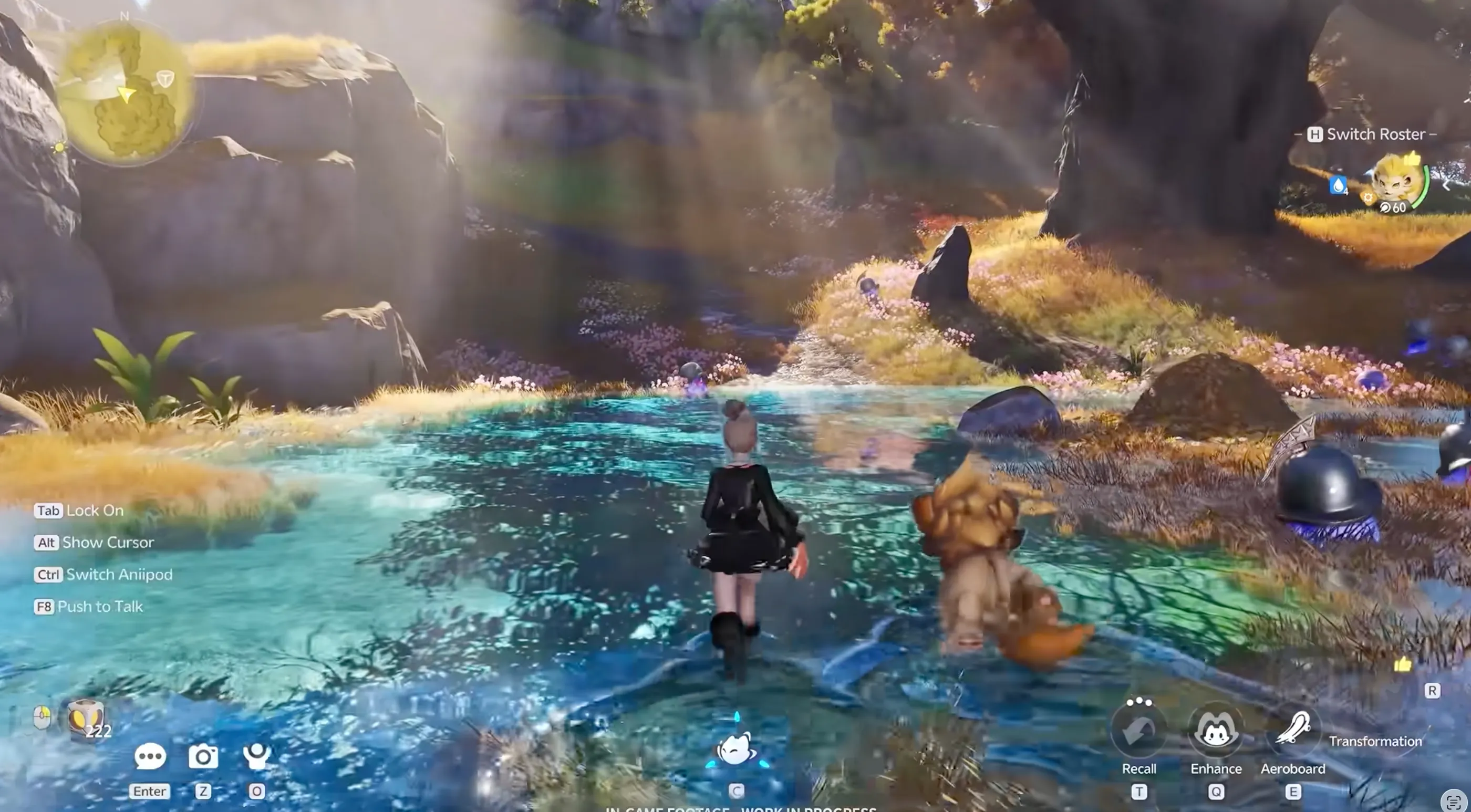
- Companion Exploration: Your Aniimo companions follow you seamlessly across the map, helping you navigate rough terrain, traverse water, and speed up your daily farming routines!
How to Download Aniimo Across All Platforms
Got your invite? Awesome! Here is how to get the game client ready on your platform of choice:
PC (Official Site & Steam)
- Official Website: Log in on the main site, click [PC Download], open the launcher, and hit Install.
- Steam: Check your email for a unique Steam code. Open Steam, click Games > Activate a Product on Steam, enter your code, download, and launch.
- Pro Tip: Make sure to log in using the exact same email that received your Steam key!
Mobile (iOS & Android)
- iOS (TestFlight): Grab the TestFlight app from the App Store. Open your invite email, copy your code, hit Redeem inside TestFlight, paste it, and start downloading.
- Android: Go to the official site, click Check Beta Access, and hit [Android Download] (or click the direct link in your email).
System Requirements
Make sure your PC or phone can handle the game so you don't run into nasty lags. Here are the specs you need:
PC System Specs
- Minimum Specs: i7-9700 / Ryzen 5 3600X, GTX 1060 (6GB) / RX 6600, 12GB RAM, 45GB SSD space.
- Recommended Specs: i7-12700F / Ryzen 7 7700X, RTX 3070 (8GB) / RX 6800, 16GB+ RAM, 45GB SSD space.
Mobile System Specs
- iOS Minimum: iPhone 12 Pro, 6GB RAM, iOS 16.
- iOS Recommended: iPhone 14 Pro or newer, 6GB+ RAM, 25GB storage.
- Android Minimum: Snapdragon 7 Gen 2 / Dimensity 9000, 6GB RAM, Android 10.
- Android Recommended: Snapdragon 8 Gen 2 / Dimensity 9200, 8GB+ RAM, 25GB storage.
Quick FAQ
Here are the official answers you need to know:
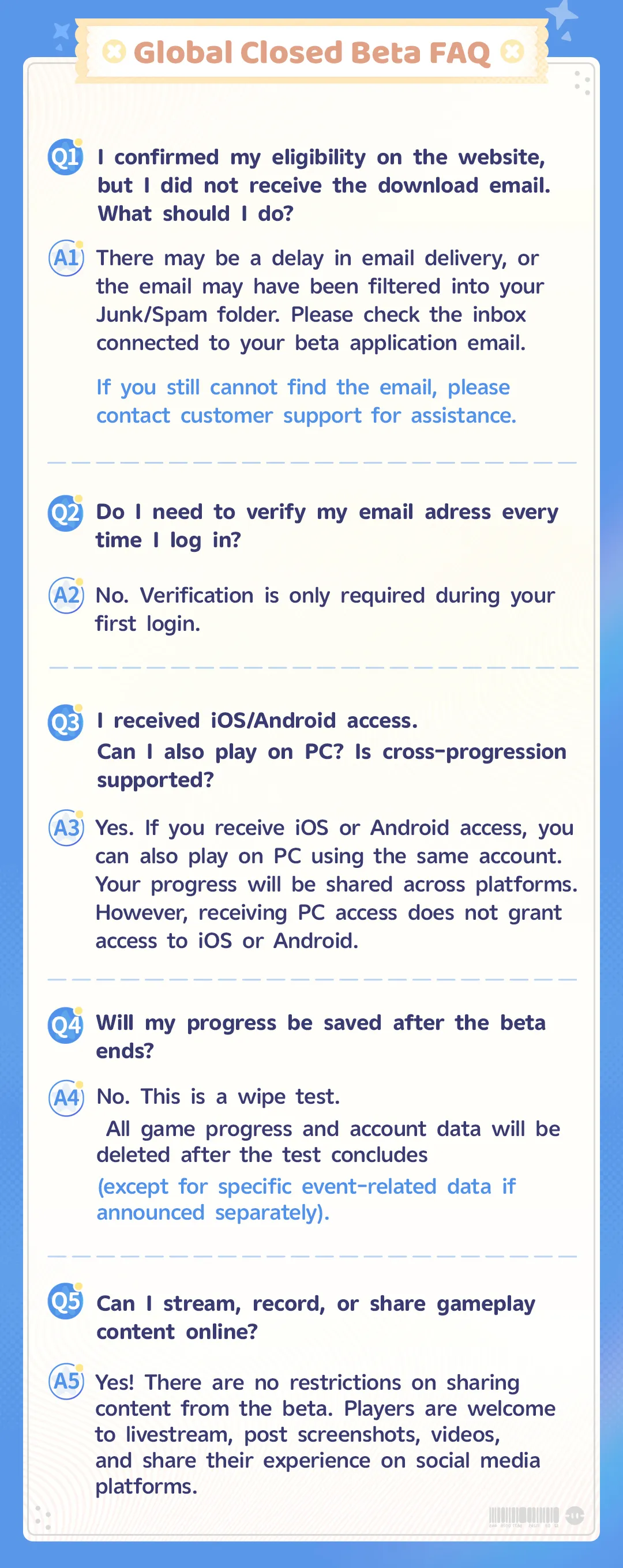
1. Is cross-progression supported?
Yes, but with a catch! If you got iOS or Android access, you can play on PC with the same account and share progress. However, getting PC access alone does not give you mobile access.
2. Do I need to verify my email every time?
Nope! Email verification is only required during your very first login.
3. Can I stream or post videos online?
Absolutely! There are zero NDA restrictions, so feel free to stream, post clips, and share screenshots all over social media.
Conclusion
The untamed wilderness is calling, Pathfinders. Now that your setup is ready and the basics are down, it’s time to step into the open biomes and claim your first Aniimo! If you ever need game top-ups or gear support when the game officially launches, head over to LDshop to keep your adventure powered up. See you in the world of Aniimo!






 TOP UP WITH DISCOUNT NOW
Neolle The Completionist Writer
Half editor, half hardcore gamer, I spent my career at the intersection of search intent and player experience. I know the ranking math, but I also know the frustration of a 3 a.m. dead-end in a hidden quest. Having shipped tens of thousands of words in original guides and reviews, I’ve mastered the art of stripping back complex systems into readable, actionable insights. I don't write for bots; I build roadmaps for the community.
