


Azur Promilia is one of the most anticipated open-world RPG titles, combining large-scale exploration, character collection, creature companionship, and action-based combat. With its detailed fantasy world, high-quality visuals, and expansive gameplay systems, many players are wondering whether their current PC hardware can deliver a smooth experience.
This Azur Promilia System Requirements Guide provides an overview of the expected hardware requirements, recommended PC specifications, storage considerations, and performance optimization tips. Whether you are planning to upgrade your gaming setup or simply want to check if your PC is ready, this guide will help you prepare for your adventure in Promilia.
What is Azur Promilia?
Azur Promilia is an open-world fantasy RPG that focuses on exploration, adventure, and companionship. Players will travel across the world of Promilia, discover different regions, interact with characters, collect unique creatures known as Kibo, and build their own adventure experience through combat, crafting, and life simulation systems.
The game combines action combat with open-world exploration, allowing players to fight powerful enemies, develop their characters, gather resources, and form bonds with their Kibo companions. With its colorful fantasy environments and anime-inspired art style, Azur Promilia aims to create a world where exploration and everyday life are equally important parts of the journey.
Azur Promilia PC System Requirements?
Azur Promilia is an open-world RPG featuring exploration, character interaction, creature companions, and large-scale environments. A complete final PC specification list is not currently available, so players should prepare their systems based on modern open-world RPG requirements.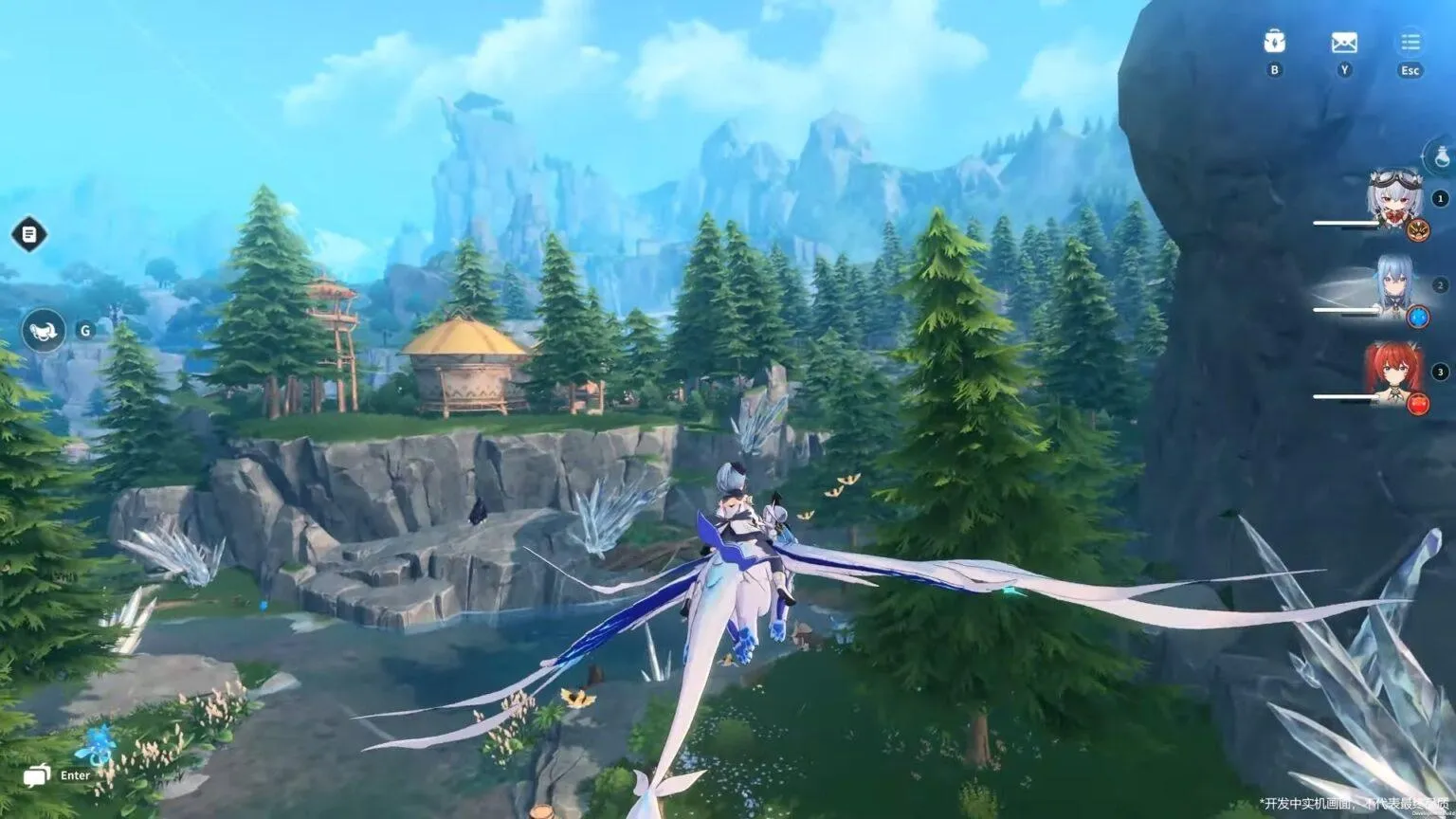
Minimum System Requirements for Azur Promilia
A suitable gaming PC should include a 64-bit Windows system, a modern multi-core processor, a dedicated graphics card, sufficient RAM, and SSD storage.
Recommended baseline preparation:
- Windows 10/11 64-bit
- Modern Intel Core or AMD Ryzen processor
- Dedicated GPU
- 16GB RAM or above
- SSD storage
Recommended System Requirements for Smooth Gameplay
For higher graphics quality and more stable frame rates, players should consider a stronger configuration:
- Recent Intel Core i7 or AMD Ryzen 7 processor
- NVIDIA RTX series or equivalent AMD GPU
- 16GB-32GB RAM
- SSD installation
Azur Promilia Storage Requirements
Large open-world games require space for textures, audio files, character resources, maps, and future updates. Installing the game on an SSD is recommended for faster loading and smoother asset streaming.
Best PC Settings for Azur Promilia Performance
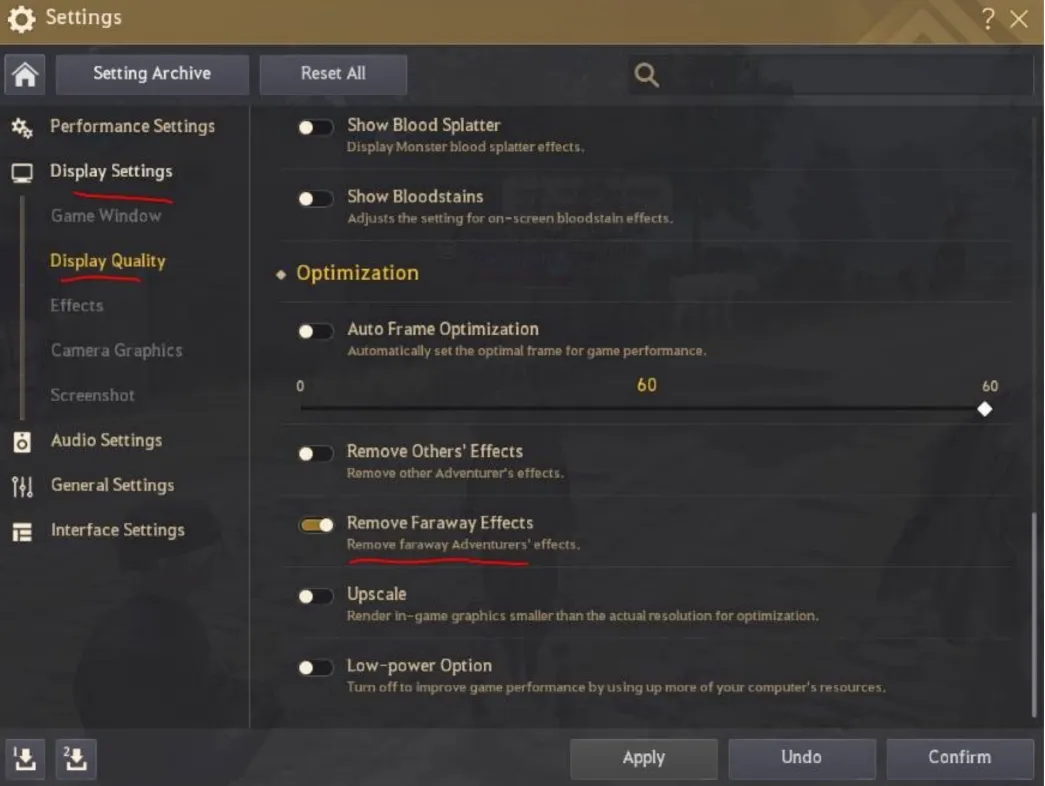
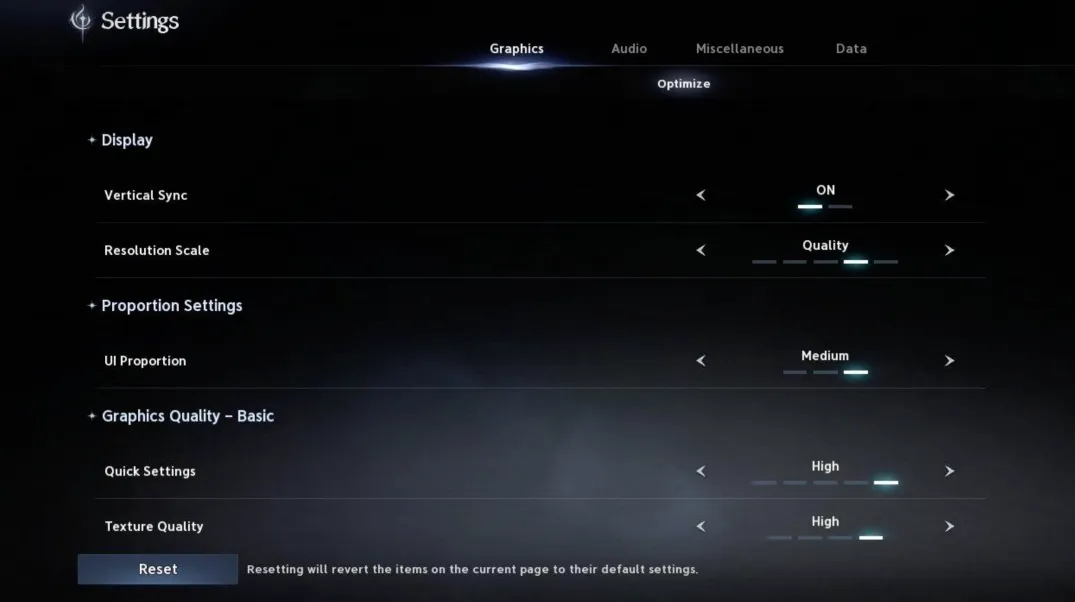
Players looking for higher FPS should adjust graphics settings carefully:
1. Lower shadow quality.
2. Reduce rendering distance if needed.
3. Adjust resolution according to GPU performance.
4. Keep the game installed on SSD.
Can Laptop Players Run Azur Promilia?
Gaming laptops with dedicated GPUs are recommended. A suitable laptop should include:
- Intel Core i7 / AMD Ryzen 7 class CPU
- NVIDIA RTX laptop GPU
- 16GB RAM or more
- SSD storage
Mobile Device Requirements
Mobile performance depends on chipset capability, memory capacity, and thermal performance. Recent flagship devices are expected to provide a better experience.
Conclusion
Azur Promilia is an open-world RPG with detailed environments, high-quality character models, and large-scale exploration systems. While the complete PC hardware requirements are not fully available yet, players preparing for the game should focus on having a modern gaming setup with a dedicated graphics card, sufficient memory, and SSD storage.
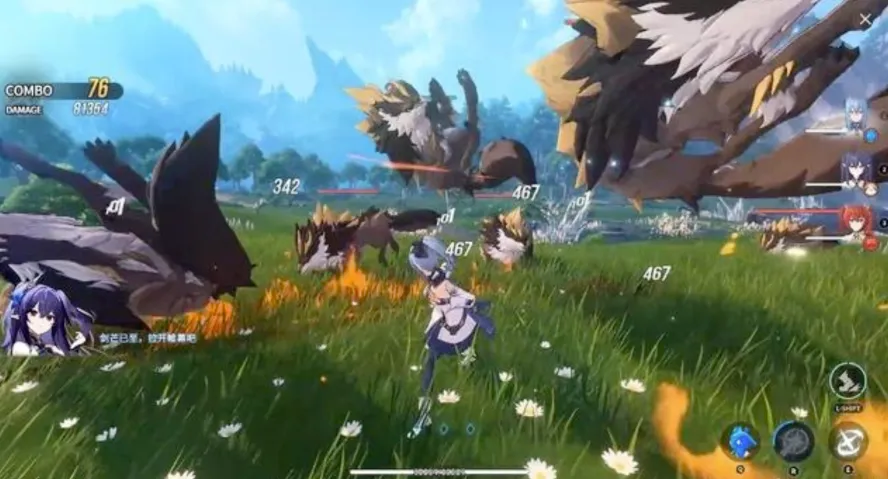
A balanced PC configuration will provide a smoother experience, especially when exploring large areas, fighting enemies with complex visual effects, and loading detailed game assets. Before launch, keeping graphics drivers updated and optimizing system performance will help ensure better stability.






 TOP UP WITH DISCOUNT NOW
Savannah Reed Experienced Game Editor
I'm a game guide writer with over 20 years of experience playing all types of games, especially anime-style RPGs, gacha and sports games. I love finding smart ways to beat tough levels without spending too much money. By studying game mechanics and character systems, I create easy tips to help players save time and resources. When I'm not gaming, I watch anime to get inspiration for strategies. My goal? To help you enjoy games more and stress less – even when facing "impossible" bosses! Let’s make gaming fun and affordable together!
