


With social media and content creation taking over the world like a global phenomenon, starting a live-streaming journey can be one of the most exciting journeys for many. However, picking the right platform to launch yourself from can feel like an overwhelming question, especially when balancing different features, audiences and system settings.
Two of the most popular platforms that are available today are Bigo Live and YouTube Live, both of which offer incredible tools to broadcast your voice, your talent or your gameplay to the world. For someone who is new to this and with no prior audience, the question of which one is easier to launch can dictate how quickly you see your first viewers.
To make this decision easy, we have included a comprehensive guide to walk you through the structural differences, setup friction, discoverability algorithms and audience requirements of both platforms. Based on your standards and requirements, it will make it easy to pick one for your optimised set of goals.
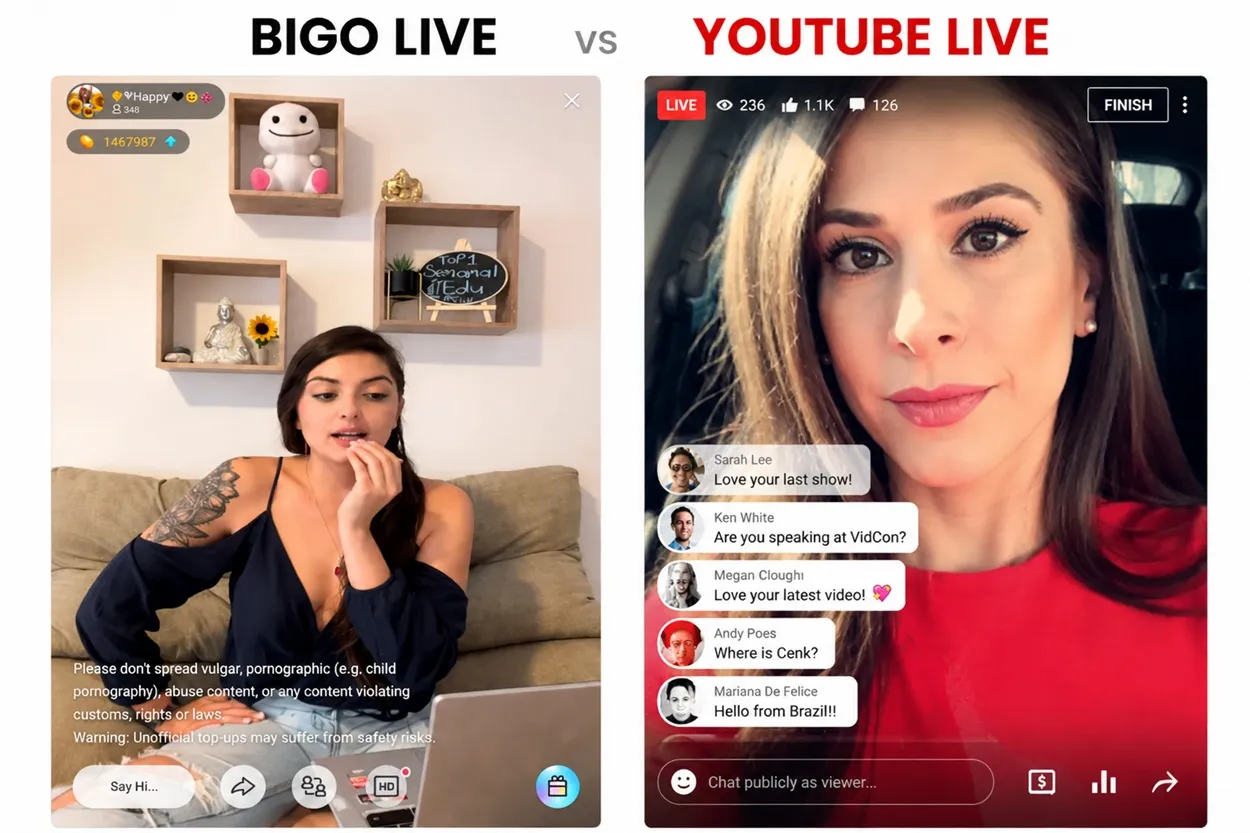
Initial Setup and Platform Requirements
The first barrier that any new live streamer must overcome is the platform's set of technical and eligibility criteria. If the platform forces you to jump through hoops and beyond before allowing you to tap the broadcast button, it naturally increases starting friction. The aforementioned platforms, Bigo Live and YouTube Live, have a different set of technicalities and regulations that must be followed, all of which have been mentioned below:
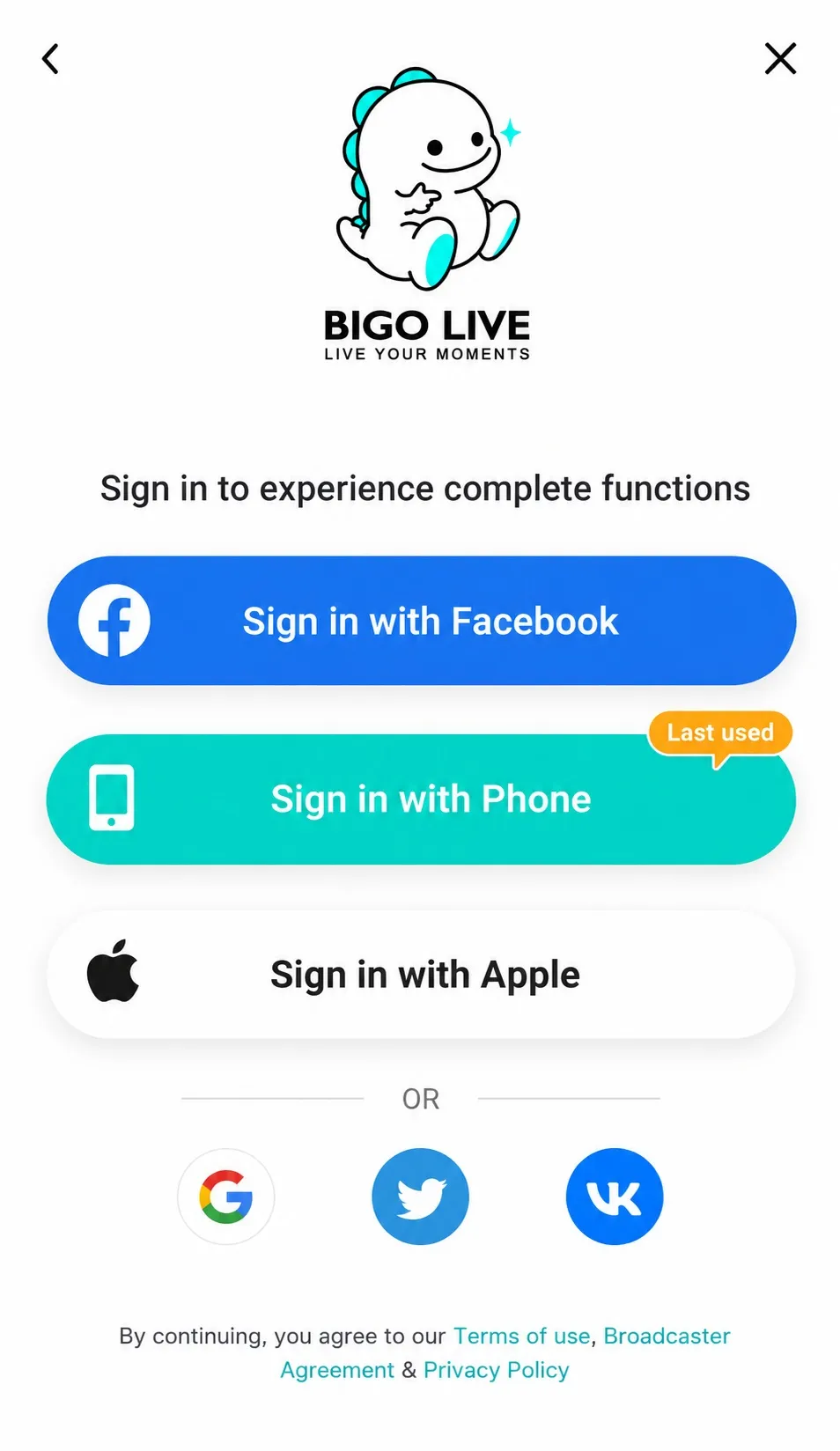
Bigo Live Account Creation
The interface of Bigo Live is fundamentally structured around a mobile-first philosophy that prioritises instant access to the user, thereby reducing the friction between a newbie and the platform. Setting up an account in here takes less than two minutes, wherein anyone over the minimum age requirement can sign up using a phone number, Facebook, Google or Apple account. After which, they download the app, hit the circular camera icon at the bottom of the screen and go live that very instant.
To initiate a public broadcast, Bogo Live doesn't put any restriction on the requirement of a follower or subscriber, and from the first day itself, a user can host a standard solo stream, open a Multi-guest Live Room for up to 12 participants or enter Game Live modes straight from a smartphone. Thus, with the minimum amount of barriers present, the platform makes it incredibly simple and easy for beginners to start broadcast testing immediately.
YouTube Live Initial Screening
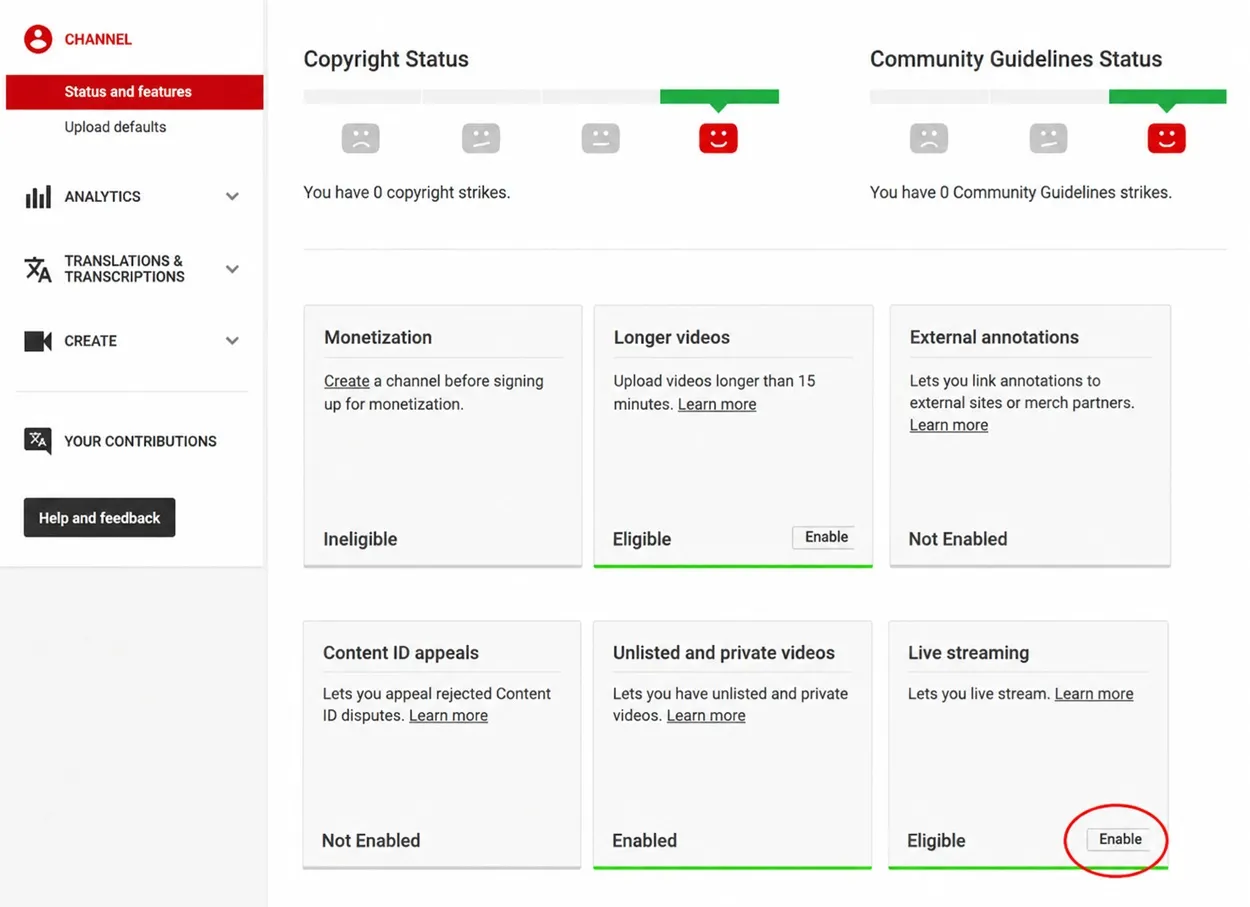
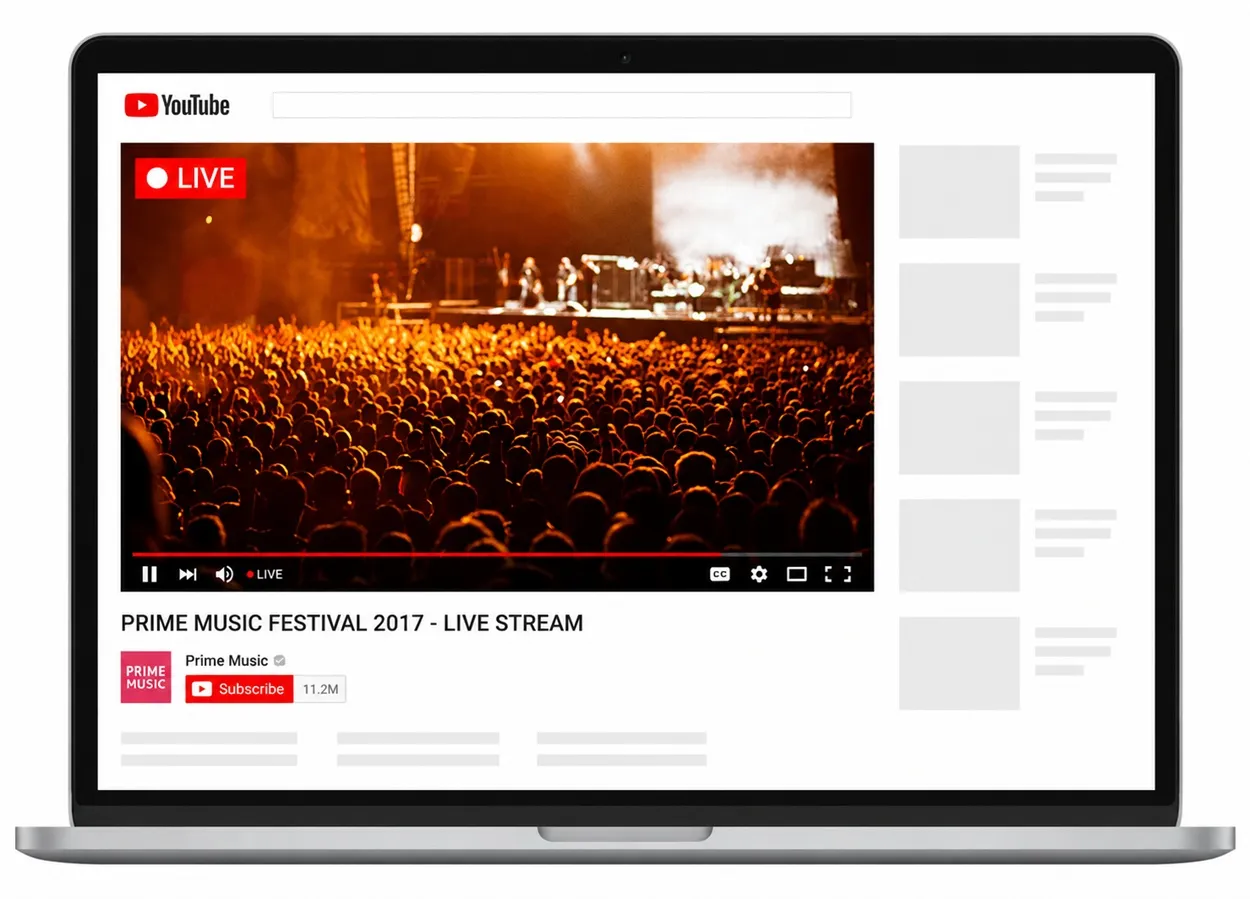
In stark comparison to Bigo Live, YouTube Live implements a more stringent and time-consuming onboarding process that may tire out a beginner. To go live, a creator must first verify their channel via a phone verification within the YouTube Studio backend under the Feature Eligibility tab. Moreover, the creator must also enable both Standard and Intermediate features to unlock Live Streaming capabilities, for which YouTube further imposes a 24-hour waiting period after putting in a request from the user.
In addition to that, YouTube also imposes a strict barrier on Mobile Broadcasting, and to stream directly from the official YouTube Mobile app, your channel must possess a minimum of 50 subscribers. Creators with zero subscribers can bypass this by using a desktop application with a webcam and a specialised encoding software, but the spontaneous hand-held mobile streaming isn't an option for pure beginners.
Ease of Broadcasting: Mobile vs Desktop
After the initial creation of a streaming account, the next factor is the operational ease of launching a daily stream that plays a major role in keeping a creator consistent. The hardware requirements and software interfaces for every platform are different from each other; hence, the same has been compared and observed for both Bigo Live and YouTube Live and mentioned below:
Smartphone Streaming Experience
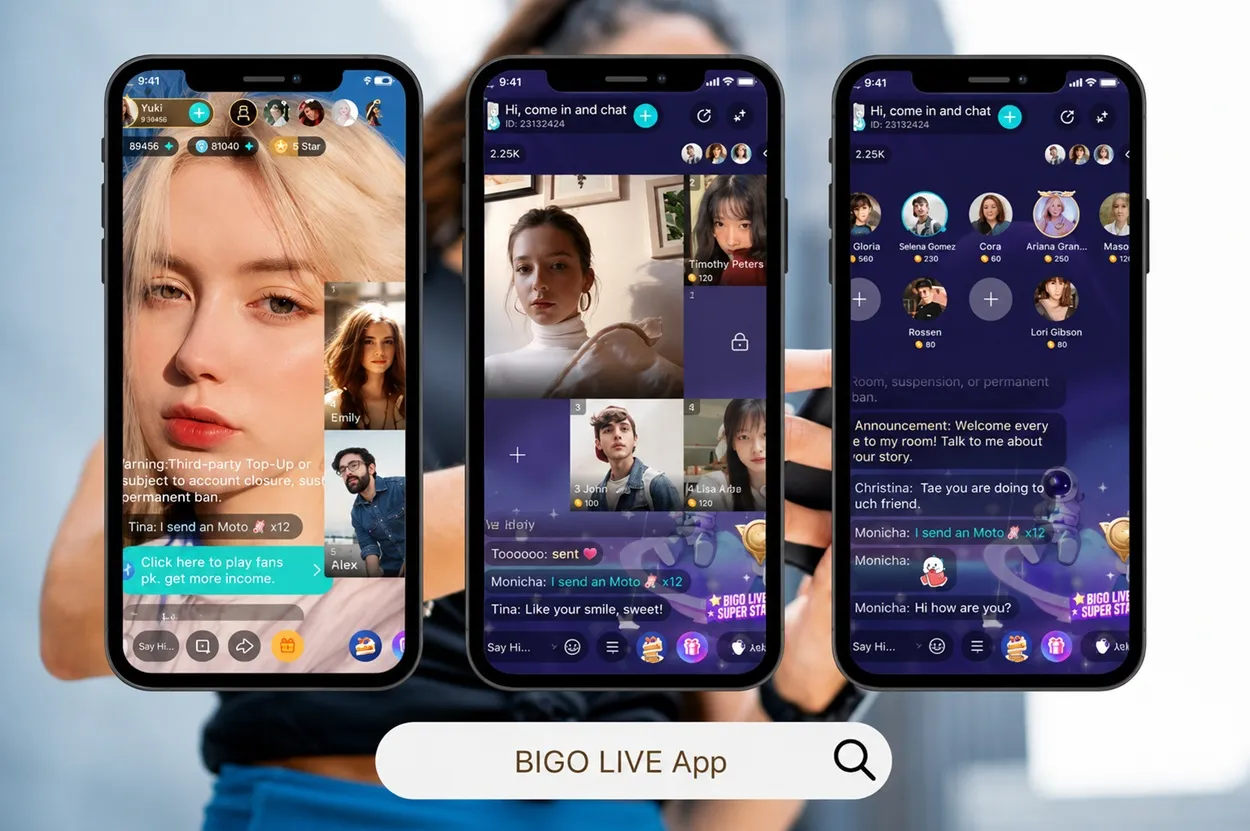
Bigo Live supports the compact mobile screen system, and the interface is self-contained, where the application itself handles video encoding, interactive comments, visual filters and viewer distribution natively. A streamer doesn't require any additional external technical tools to maintain and conduct consistent streaming. Furthermore, features such as launching a Live PK Battle, a structural mechanics match where two streamers compete for audience ghosts within a fixed time is built directly into the application's user interface.
As for YouTube Live, mobile streaming requires manual configuration of metadata before every single session, and a user must select an aspect ratio (16:9 widescreen or 9:16 vertical), declare child-safety audience settings and configure privacy rules before the broadcast goes live. Furthermore, if the given creator has fewer than 50 subscribers and still wants to stream via mobile, they are forced to integrate complex third-party apps, without which they cannot stream directly from their mobile.
Desktop and Gaming Setup
For those creators who are inclined towards broadcasting high-tier PC gaming or professional studio feeds, Bigo Live offers a dedicated program called the Bigo Live Connector or the Bigo Live Streamer. The configuration requires running the PC software to display a dynamic QR code, which is scanned through a mobile phone's Bigo app to mirror or cast your PC display directly to your profile stream.
As for YouTube Live, it offers far greater product customisation on the desktop variation, but demands an in-depth understanding of bitrates, Frames-per-second (fps), audio mixers and resolution settings. To use these specific functions, beginners must learn how to sync stream keys from YouTube Studio into external encoders like OBS Studio or vMix. With its incredible television prowess and production potential, there is a technical learning curve that can seem highly complex for a novice.
Engagement Mechanics and Monetisation
For every streaming app, monetisation and viewer engagement are closely knit together as the presence of one influences the other. To initiate and maintain their momentum, the creators should be able to gamify their streams and also see financial returns for the same. The monetisation and viewership features for both Bigo Live and YouTube Live have been discussed below.
Virtual Currency in Bigo Live
Bigo Live structures itself around a direct-gifting micro-economy where viewers buy an in-app currency called diamonds, which they use to purchase animated virtual gifts for creators during a stream. When a steamer receives these gifts, the platform automatically converts them into internal creator currency known as Beans.
|
Bigo Live Monetisation |
Detail |
|---|---|
|
Beans to cash |
210 Beans is equal to $1 USD |
|
Withdrawal threshold |
about 6,700 Beans, the minimum of $39 USD |
|
Cash out method |
linked banking account |
On Bigo Live, 210 Beans is equal to $1 USD, and once the designated creator accumulates about 6,700 Beans, they hit the minimum withdrawal threshold of $39USD, which they can cash out using the linked banking account. Furthermore, to boost these gift volumes, Creators rely on in-built interactive features like Live PK Cycles. Viewers can also purchase their required Diamonds or complete a Bigo Live recharge to support their favourite creators during these match events. The best platform to make the top-up is LDShop, it lets players top up for less and it is a great way to save money.
YouTube Revenue
Monetisation system in YouTube is highly preserved, and the YouTube Partner Program officially gate-keeps it. However, it is a known fact that a new streamer cannot earn revenue from Super chats, Super stickers or Channel membership until they hit strict channel lifetime metrics. Fundamentally, this requires about 500 subscribers or 3000 valid public watch hours, or 1000 subscribers alongside 4000 valid public watch hours within a trailing 12-month period. This can prove to be a hindrance for a beginner, as it requires consistent and uncompensated uploads just to unlock the basic ability to accept financial donations.
Conclusion
Based on all the evidence and information provided for both broadcasting channels, Bigo Live and YouTube Live, the former proves to be more compliant with a beginner-friendly interface. While YouTube Live is an elite broadcasting platform, a novice might find themselves quite overwhelmed with the internal structures and requirements. So this is your chance to download Bigo Live and start broadcasting straight from your phone.






 TOP UP WITH DISCOUNT NOW
Edmund G. Kolis Experienced Game Editor
I'm a game guide writer with over 20 years of experience playing all types of games, especially anime-style RPGs, gacha and sports games. I love finding smart ways to beat tough levels without spending too much money. By studying game mechanics and character systems, I create easy tips to help players save time and resources. When I'm not gaming, I watch anime to get inspiration for strategies. My goal? To help you enjoy games more and stress less – even when facing "impossible" bosses! Let’s make gaming fun and affordable together!
