


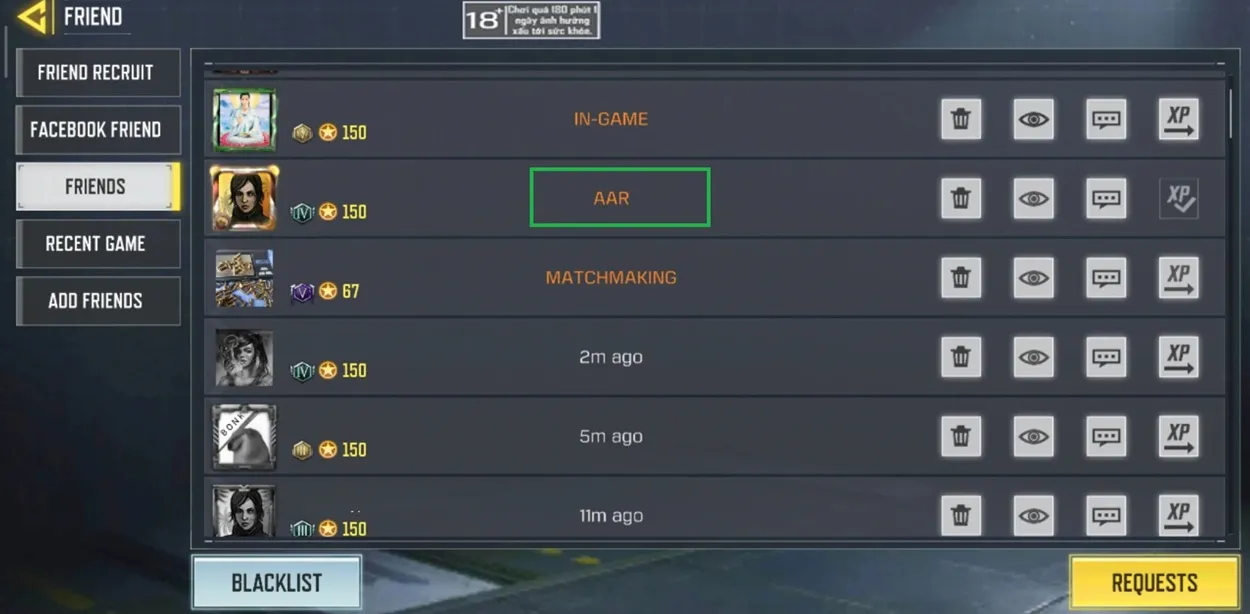
Call of Duty: Mobile (CODM) is one of the most popular multiplayer shooter games in the world. And it is not just about shooting, there are many different kinds of mechanics and terms involved that players use regularly. One such term is AAR. If you are new to the game then you might have encountered this term in many places like conversations or match summaries. It actually means “After Action Report”. It basically gives you a detailed breakdown of your performance after you complete a match.
You can see a lot of different stats here like your kills, deaths, assists, accuracy, etc. A lot of times you can be overwhelmed after playing a match. But if you look at these stats carefully then you can understand how you actually performed and where you need to improve. Even if you are an experienced player you can still use your AAR to know your strengths and weaknesses and then create a custom strategy based on that.
Let’s follow LDShop, as in this article you will get to know everything about AAR and you will also understand how you can actually use it to improve your matches and overall gameplay.
What AAR Means in COD Mobile
So you already know that AAR stands for After Action Report. It is a report that you can see after your match where you can get a detailed overview of your actual performance. This concept is actually inspired by real world military operations. Even there the soldiers use an after action report so that they can analyze every mission. They use these reports to compare what was actually planned and what actually happened and then they can easily see which areas need improvement.
Similarly you can also use it in CODM. Once you finish your match you can use the AAR to see your performance and then plan accordingly. There is a lot of information you can see in your AAR like number of kills, number of deaths, assists, accuracy statistics, objective captures or contributions and overall performance metrics.
Let us understand how you can actually use these details to improve your performance. For example if you see that you have a lot more deaths than kills then it might mean that you take unnecessary risks during fighting and you need to play a bit more safely. Or if you see that your accuracy is low then you should probably practice your aiming and shooting more.

What Information the AAR Shows
So you already know by now what all details you can see in your AAR. Let us understand them a bit better.
One of the most important pieces of information displayed in the AAR is the kill count. This shows how many enemies you have killed during the match. If you are an aggressive player and want to focus mainly on combat then this number of kills is a very important statistic for you and you should try to make it as high as possible.
Another important statistic is deaths. It shows how many times you were killed during the match. If your death count is too high then it means that you are rushing into your fights and you should try to position yourself properly first and then fire safely from cover.
The report also gives the number of assists which means how many times you have helped another player kill an enemy by shooting at that enemy and lowering their health. You will usually get assists in team based modes where many of your teammates might try to kill the same enemy.
Another main stat shown in the AAR is your accuracy. It shows how many shots you have successfully landed on your enemy vs how many shots you have actually fired. From this you can easily calculate how many shots you have missed. Using this information you can try to improve your aiming skills or even replace your weapon by something that gives you more accuracy.
The last main thing that is shown in the AAR is the objective contributions. For example in modes like Domination or Hardpoint you have to earn points for capturing or defending objectives. The AAR tracks these contributions and shows how actively you participated in your team’s strategy.
By reviewing these statistics after each match you can actually understand your performance and based on that you can create new strategies so that you can improve in future games. Also if you want to make some upgrades but don’t have enough resources then you can always opt for a CODM top up. The best platform to make the top-up is LDShop, it lets players top up for less and it is a great way to save money. This will help you to save a lot of time. Also you don’t have to grind a lot and you can focus on your strategy in a better way.
How Teams Can Use AAR
The After Action Report is not only useful for solo players. If you are playing with your team you can still get some valuable information from there. Because in team based modes the main thing that matters is your coordination and strategy. And if you have a good team that you regularly play with then these AAR stats can help a lot to actually understand what’s wrong and then improve on that.
For example you can see from the report which players focused on capturing objectives and which players focused on killing enemies. Based on that you can set a new strategy and give separate roles to different teammates based on their strength.
Also if your team lost a match then you can use the report to identify what went wrong and adjust your strategy for future games. You can also compare each other’s statistics to see where everyone needs to improve. Maybe you find out that one player needs to focus more on defense or another player should provide more support during objective captures. In this way the AAR can help your team plan ahead and improve your coordination.
How to Check AAR in COD Mobile
If you are wondering how you actually check your AAR then don’t worry because it is actually very easy and simple. There are two main ways to check the report within the game. The first method is immediately after finishing a match. Once the game ends you can tap the graph icon located on the top left of the screen. This opens the detailed report showing the statistics from the most recent match.
In the second method you have to see reports from previous matches. To do this you have to go to your profile section from the main menu. Inside the profile menu, there is a History section where you can see your recent matches in a list. If you select a match from that list you can see the AAR for that match. Using this you can easily analyze your previous matches and compare your old performance to your current performance.
You can also see your teammates’ statistics. Using this you can easily analyze your overall performance as a team and see where you guys need improvement.
Conclusion
So basically the AAR in CODM helps you to review your match performance by showing detailed statistics. By analyzing these reports regularly you can identify your weaknesses, improve your strategies and slowly become better at the game.

Edmund G. Kolis Experienced Game Editor
I'm a game guide writer with over 20 years of experience playing all types of games, especially anime-style RPGs, gacha and sports games. I love finding smart ways to beat tough levels without spending too much money. By studying game mechanics and character systems, I create easy tips to help players save time and resources. When I'm not gaming, I watch anime to get inspiration for strategies. My goal? To help you enjoy games more and stress less – even when facing "impossible" bosses! Let’s make gaming fun and affordable together!
