


Welcome back to Vice City. After years of waiting, we are finally getting ready to step into the shoes of Lucia and Jason in GTA 6. But before you hit the streets of Leonida, there's one important task to handle: getting your console ready for launch day.
This guide covers when GTA 6 pre-loads begin on PS5 and Xbox, how much storage you'll need, and what to do before launch day.

GTA 6 Pre-Load Dates and Global Unlock Times
According to Rockstar Games, digital pre-loading for Grand Theft Auto VI begins on November 10, 2026. The exact start time depends on which console you're using.
- PlayStation 5 (PS5): Pre-load goes live on November 10 at midnight local time. As soon as the clock strikes 12:00 AM in your region, your queue can start moving.
- Xbox Series X|S: Pre-load rolls out globally on November 10 at 00:00 GMT.
GTA 6 Global Pre-Load Times
Here's a breakdown of the regional pre-load times, calculated using Rockstar's confirmed PS5 local-time schedule and Xbox's global GMT launch time.
|
Region |
PS5 |
Xbox Series X|S |
|
Los Angeles (PST) |
Nov 10, 12:00 AM |
Nov 9, 4:00 PM |
|
New York (EST) |
Nov 10, 12:00 AM |
Nov 9, 7:00 PM |
|
London (GMT) |
Nov 10, 12:00 AM |
Nov 10, 12:00 AM |
|
Berlin (CET) |
Nov 10, 12:00 AM |
Nov 10, 1:00 AM |
|
Tokyo (JST) |
Nov 10, 12:00 AM |
Nov 10, 9:00 AM |
|
Sydney (AEDT) |
Nov 10, 12:00 AM |
Nov 10, 11:00 AM |
|
Auckland (NZDT) |
Nov 10, 12:00 AM |
Nov 10, 1:00 PM |
When Does GTA 6 Officially Release?
Grand Theft Auto VI officially launches on November 19, 2026, at midnight local time across supported regions.
Once the pre-load finishes, the game files will be installed on your console, but the game will remain locked until the official release time. That gives players nine days between the start of pre-loading and launch day to get everything ready.

Digital vs Physical Code-in-Box Editions
GTA 6 is taking a slightly different approach to physical releases. If you're planning to purchase a boxed edition, there's one important detail you should know before heading to your local retailer.
Digital Purchases
Players who pre-order GTA 6 through the PlayStation Store or Microsoft Store can take advantage of the November 10 pre-load window. Once the download becomes available, eligible consoles can automatically install the game files, provided the required settings are enabled.
Digital buyers should check their purchase confirmation and automatic download settings before November 10.
Physical Code-in-Box Editions
Rockstar has confirmed that the physical Standard Edition will contain a digital download code rather than a traditional game disc. Physical editions are expected to become available for shipping and retailer pickup starting November 12, 2026.
This means buying a boxed copy won't eliminate the need for a large internet download.
Players will still need to:
- Redeem the digital activation code.
- Download the full game through their console's digital store.
- Have enough available storage space.
- Connect to the internet to complete the installation.
Rockstar also notes that codes can be redeemed as soon as they are received, allowing eligible physical buyers to take advantage of pre-loading when their code becomes available.
If you're choosing between physical and digital editions, remember that the boxed version does not include a game disc.
How Much Storage Space Does GTA 6 Need?
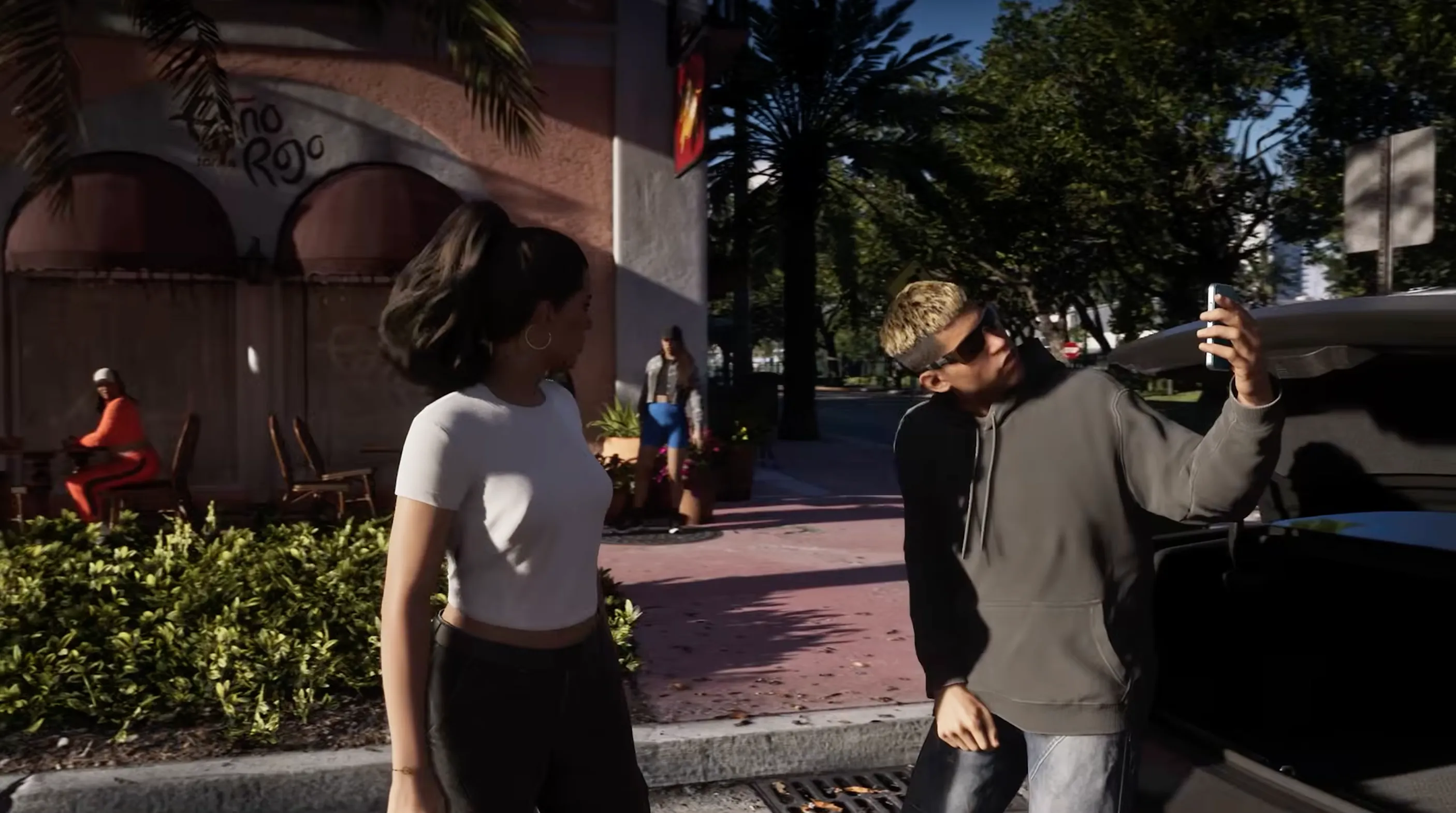
Rockstar has confirmed that the pre-load will require up to 212GB of available storage, depending on the device. So prepare your SSD ahead of time will help prevent download and installation issues.
- Purge the Backlog: Delete games you no longer play to free up valuable storage space. You can always reinstall them later when needed.
- Offload to External Drives: Move compatible games to an external storage drive to make room for GTA 6. PS5 games can be stored on compatible external USB drives, but must be transferred back to the internal SSD or an M.2 SSD before playing.
- Clean Your Media Gallery: Remove old screenshots, gameplay recordings, and unnecessary video clips. These files can take up more storage than you might expect.
- Leave Breathing Room: Don't aim for exactly 212GB of free space. Leave some additional room to accommodate installation requirements and potential future updates.
Essential Tips to Prepare for GTA 6 Pre-Load
Your internet connection and console settings also play an important role in ensuring a smooth pre-load. Follow these tips to get your PS5 or Xbox ready.
1. Plug In a Direct Ethernet Cable:
Wi-Fi is convenient for everyday browsing, but downloading over 200GB requires a stable connection. Connect your PS5 or Xbox directly to your router using an Ethernet cable to reduce wireless interference and improve connection stability. Your actual download speed will still depend on your internet plan and network conditions.
2. Enable Rest Mode Auto-Downloads:
Make sure your console can download game files while you're sleeping or away from home.
- PS5: Go to Settings > System > Power Saving > Features Available in Rest Mode. Enable Stay Connected to the Internet. Then, find your GTA 6 pre-order in your Game Library and make sure Auto-Download is enabled on the countdown screen.
- Xbox Series X|S: Go to Settings > General > Power Options and select Sleep mode. Make sure automatic updates are enabled under your system's update settings. Keep your console connected to the internet.
3. Verify Your Payment Method Today:
Double-check that your pre-order payment has been successfully processed and that your GTA 6 purchase appears in your game library. If your payment method was declined or your order wasn't completed, you may need to resolve the issue before accessing the pre-load. It's also worth confirming that you're signed in to the correct account.
Frequently Asked Questions About GTA 6 Pre-Loading
1. When Can I Pre-Load GTA 6 on PS5?
PS5 digital pre-loading begins at midnight local time on November 10, 2026. Players can enable automatic downloads beforehand to make sure their console is ready.
2. What Time Does GTA 6 Pre-Load Start on Xbox?
Xbox Series X|S pre-loading begins globally at 12:00 AM GMT on November 10, 2026. Make sure to check your local time zone to know exactly when the download becomes available.
3. How Many GB Is GTA 6 on PS5 and Xbox?
GTA 6 pre-loading requires up to 212GB of available storage, depending on the device. Make sure your console has enough free space before downloading the game.
4. Can I Pre-Load GTA 6 With a Physical Copy?
Yes, provided you've received and redeemed your physical edition's digital download code. The Code-in-Box edition does not include a game disc, so you'll need an internet connection to download the game.
5. Can I Play GTA 6 Before Its Official Release Date?
No. Pre-loading only allows you to download and install the game files ahead of launch. GTA 6 will remain locked until its official release on November 19, 2026.
6. Can I Download GTA 6 While My PS5 or Xbox Is in Rest Mode?
Yes. Both PS5 and Xbox Series X|S support background downloads when configured correctly. On PS5, enable Stay Connected to the Internet in Rest Mode settings. On Xbox, select Sleep mode and make sure automatic updates are enabled.
Get Ready for Your First Day in Vice City
The countdown to GTA 6 is almost over, clear your storage, check your console settings, and make sure your download is ready to go. If you're planning to play on Xbox, you can also check out the GTA 6 Xbox Key at LDShop as you get ready for your trip to Vice City.
See you in Leonida!






 TOP UP WITH DISCOUNT NOW

LDShop Team Experienced Game Editors
The LDShop Editorial Team covers game updates, character builds, team compositions, and practical gameplay guides. We follow official announcements, test game mechanics, and gather insights from gaming communities to provide accurate, useful, and easy-to-follow content. Our goal is to help players make informed decisions, save resources, and get more out of their favorite games.
