


Have you already purchased Halo: Campaign Evolved Premium Edition but run into unexpected problems? Maybe your Xbox account won't link, your CD Key can't be redeemed, the game won't launch, or you're stuck with a black screen before the campaign even begins.
I picked up the Premium Edition as soon as it went live yesterday and immediately jumped in. Like many other players, I also ran into a few annoying issues before everything finally worked.
To save you some time, this guide covers the most common problems players are reporting right now, along with the quickest fixes to get you back into the fight.

If you haven't bought Halo: Campaign Evolved yet, don't forget to check out the Halo: Campaign Evolved Xbox/PC key at LDShop at a competitive price and begin your LASO challenge.
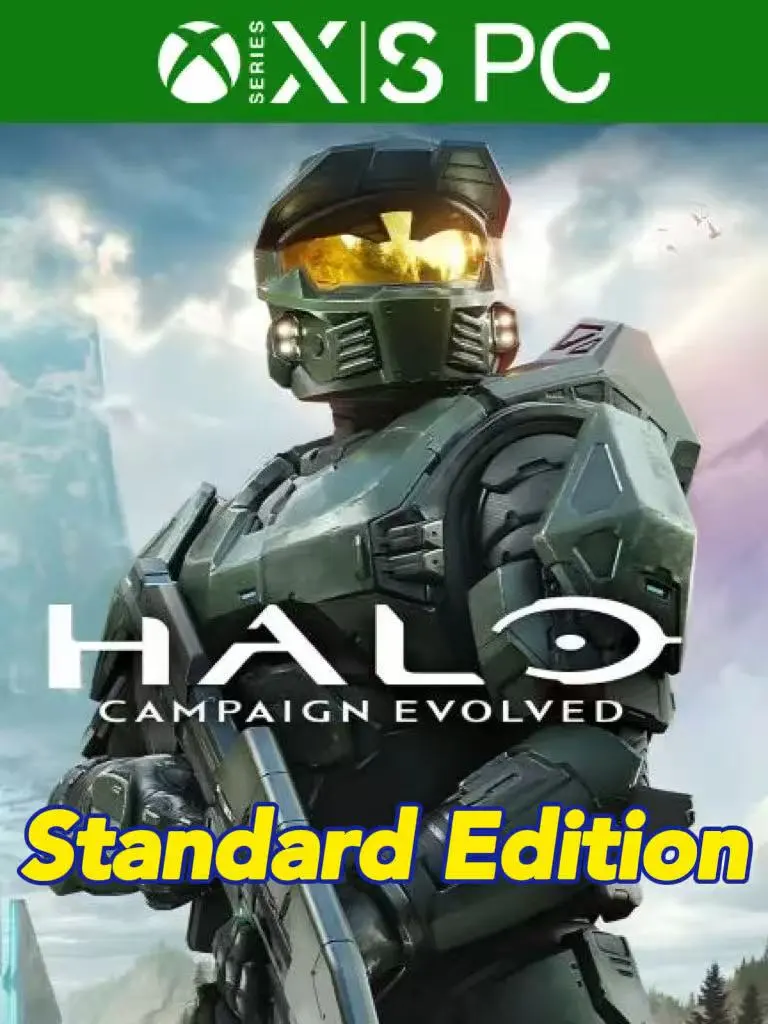
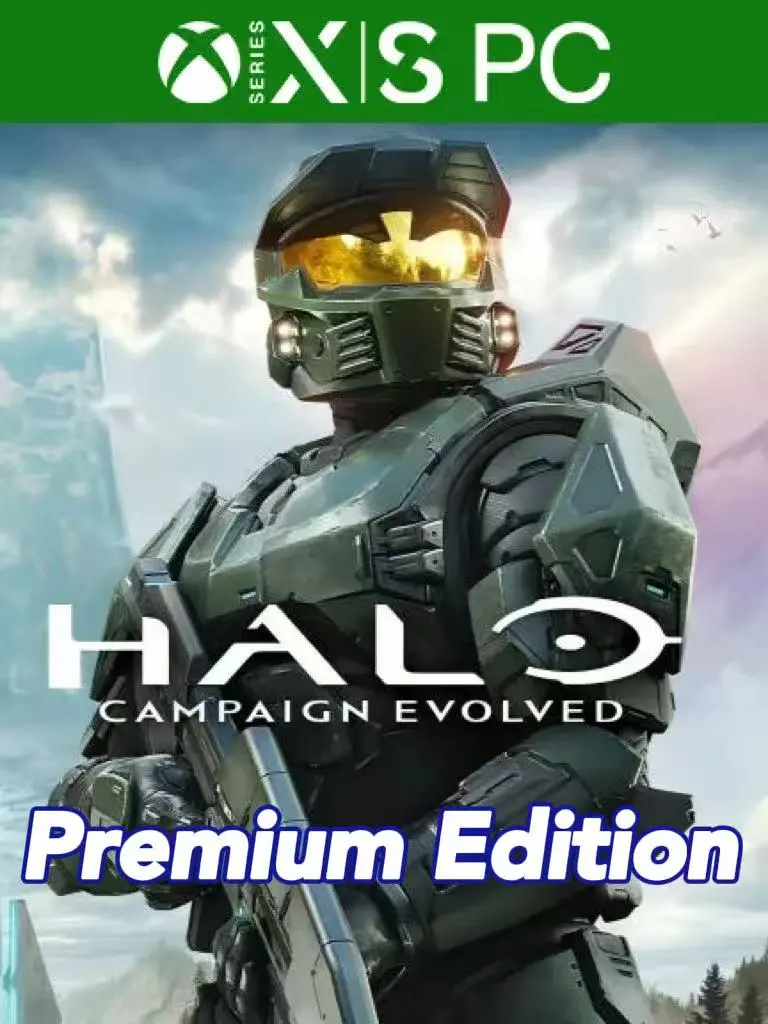
Halo: Campaign Evolved Common Issues & Solutions
Xbox Account Linking Issues
The first time you launch Halo: Campaign Evolved, you'll be asked to sign in with a Microsoft/Xbox account. Even if you're playing through Steam or PlayStation, this step is required for online features and cross-platform services.
If you're having trouble logging in, try these fixes:
- Make sure you're signing in with the correct Microsoft account.
- Log into the Xbox app before launching the game.
- Restart Steam or the Xbox app after signing out.
- Disable your VPN or proxy temporarily.
- If you're stuck in a login loop, clear old Xbox credentials from Windows Credential Manager.
CD Key Cannot Be Redeemed
Getting an "Invalid Code" or "This code can't be redeemed" message doesn't always mean your Key is bad.
Before contacting support, double-check these points:
- Is it an Xbox/Microsoft Store Key?
- Does the Key region match your Microsoft account?
- Are you redeeming the correct edition?
- If it's a Premium Upgrade, do you already own the base game?
If everything looks correct but the problem continues, take a screenshot of the error and contact your seller for assistance.
Save File or Cloud Sync Problems
Some players have reported cloud sync failures or missing campaign progress shortly after launch.
Before deleting any save files, try the following:
- Wait for cloud syncing to finish before closing the game.
- Restart Steam, the Xbox app, or your console.
- Make sure you're using the same Microsoft account on every device.
- Avoid launching the game on multiple platforms at the same time.
Most cloud sync issues are temporary and resolve after the save finishes uploading.
Game Won't Launch
If the game refuses to start or gets stuck on the loading screen, work through these common fixes:
- Verify the game files.
- Update your graphics driver.
- Install the latest Windows updates.
- Disable Discord, Steam, NVIDIA, or MSI Afterburner overlays.
- Run the game as Administrator.
If none of these help, restarting the Xbox app and signing in again may also resolve startup issues.
Black Screen or Random Crashes
Black screens and unexpected crashes are among the most common launch-day issues.
You can try:
- Updating your GPU driver.
- Switching between Fullscreen and Borderless mode.
- Clearing the DirectX shader cache.
- Turning off CPU or GPU overclocking.
- Restarting your PC after making changes.
If the issue only started after changing graphics settings, lowering your resolution or effects quality may also help.
Premium Edition or Early Access Isn't Working
Bought the Premium Edition but still can't get into the game?
Check the following first:
- Did you buy the Premium Edition or only the Premium Upgrade?
- Do you already own the base game?
- Has all Premium content finished downloading?
- Are you signed in with the Microsoft account that redeemed the Key?
Sometimes it simply takes a little time for your license to sync after launch, so waiting a few minutes before trying again can solve the problem.
FAQ
When is Halo: Campaign Evolved released?
Players who purchase the Premium Edition can start playing during the Early Access period, while the Standard Edition unlocks on the official release date. Check your regional Xbox Store or Steam page for the exact launch time.
What are the system requirements?
Make sure your PC meets the official minimum requirements, has enough free storage space, and is running the latest graphics driver for the best experience.
Does Halo: Campaign Evolved support online co-op?
Yes. The game supports online co-op and cross-platform play, allowing players on different platforms to team up using Xbox accounts.
Do I need an Xbox account to play?
Yes. Regardless of whether you're playing on Xbox, Steam, or PlayStation, you'll need to sign in with a Microsoft/Xbox account before starting the game.
Where can I get official support?
If you've tried all of the solutions above and the issue still isn't resolved, visit the official Halo Support website for the latest known issues, patch notes, and troubleshooting guides.
Conclusion
Launch-day issues are never fun, but thankfully most Halo: Campaign Evolved problems—whether it's Xbox account linking, CD Key redemption, startup errors, or black screen crashes—can usually be fixed with a few simple troubleshooting steps.
If you're still waiting to join the fight, be sure to check out LDShop's Halo: Campaign Evolved Xbox/PC Key. It's often available at a lower price than the official store, making it an easy way to jump into the action for less.






 TOP UP WITH DISCOUNT NOW
kurila Experienced Game Editor
I'm a game editor who enjoys exploring RPGs, anime-inspired adventures, and story-driven games. I focus on breaking down gameplay systems, character builds, and progression mechanics into clear and practical guides. Whether you're just getting started or looking to improve your strategy, I aim to make every guide easy to follow and useful throughout your journey.
