


The channels for live streaming have evolved dramatically, shifting from what was once a desktop hobby into a compact screened mobile phone. This can now be considered a global phenomenon. While platforms like Twitch and YouTube have traditionally dominated the gaming scene, a newer contender has emerged to steal the spotlight for mobile broadcasters.
This platform is Poppo Live, an interactive community-driven ecosystem where mobile gaming streams are the prime source of entertainment. If you are an avid mobile gamer and are looking to build a highly interactive fan base while monetising your gameplay, learning how to navigate through this platform is an essential step. Hence, let’s follow LDShop, as in the given guide we will break down the exact steps and methods you need to stream your favourite mobile games successfully in Poppo Live.
Mobile Game Streaming on Poppo Live
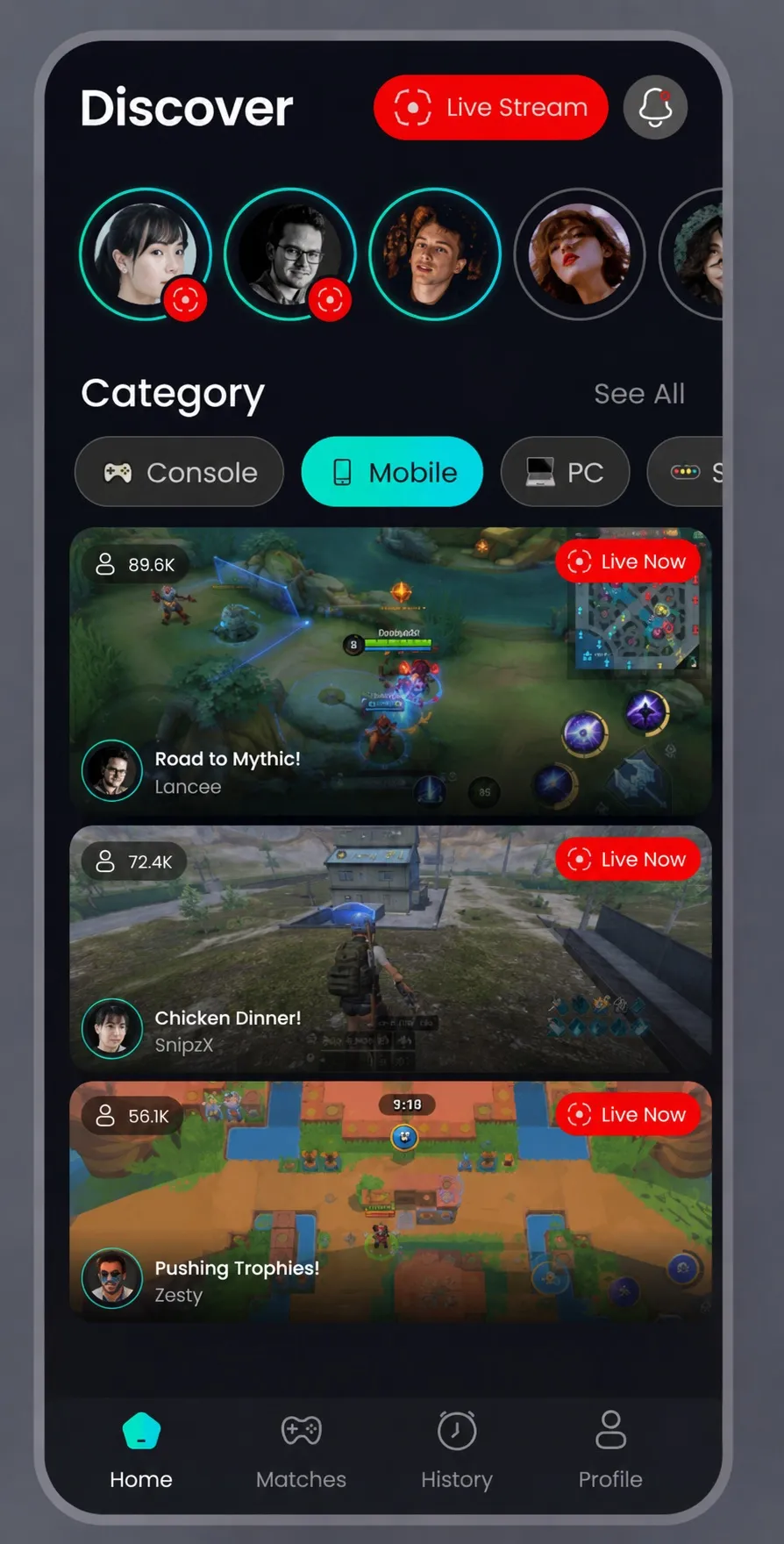
Mobile gaming is no longer restricted to casual offline entertainment and has evolved far beyond the point of being a way to pass the time. Massive competitive online player titles have turned smartphones into a gaming ring where audiences are searching for entertaining broadcasters who stream these matches live. Poppo Live is such a platform that delivers what the 21st century audience needs.
Unlike traditional platforms where breaking through the algorithm feels nearly impossible, this network prioritises community building and direct creator rewards. The app is featured with intuitive navigation tabs, a dedicated user level progression structure and an incredibly robust built-in gifting network. It provides mobile gamers with a direct gateway to showcase their skills, engage with viewers through real-time audio and video feeds, and turn their raw gaming passion into a money-making tool.
Prerequisites for Game Streaming
Poppo Live has easy setup requirements that you need to complete before you confidently boot up your favourite game and share your screen with thousands of viewers. Given below are the platform's core verification protocol and configuration requirements.
Account Set Up and Verification
- Download the official app Poppo Live from the Google Play Store or the Apple App Store on your mobile phone.
- For Face Authentication, you are required to navigate straight to your Profile page and select the verification tab to complete your Face Authentication. You must upload a high-resolution profile photo and pass the real-time face recognition scan to verify your identity as the owner and user of the account created.
- The next step is to unlock your level privileges, for which you are required to grind your account status. This loosely translates to the fact that while basic social streaming unlocks right after you pass your initial Face Authentication, certain professional broadcast options require time and effort. Advancing through early tiers ensures that your broadcast receives maximum system recommendation visibility across the global trending feeds.
Technical Hardware and Network Benchmarks
Another such prerequisite is the technical ability and balance of your mobile phone, where your device is required to have at least an Octa-core processor alongside a minimum of 4 GB to 6GB of system RAM to handle gameplay execution and high-definition video encoding simultaneously. Similarly, network health is equally important to eliminate stuttering, and your Internet connection must maintain a consistent minimum upload speed of 5mbps to prevent frames from dropping mid-match. A stable dual-band Wi-Fi connection or a high-speed cellular network is all you need to match your stream health.
|
Requirement |
Minimum Benchmark |
|---|---|
|
Processor |
Octa-core processor |
|
System RAM |
4 GB to 6GB |
|
Upload Speed |
5mbps consistent minimum |
|
Connection |
Stable dual-band Wi-Fi or high-speed cellular network |
How to Stream Mobile Games
Many platforms, including Poppo Live, have the mobile application interface primarily optimised for front-facing camera feeds; configuring a clear mobile gameplay screen share requires a systematic approach. To build this high-quality production layer, many professional creators consider using an Android emulator paired with dedicated broadcast software on a PC. Given below are the steps for a seamless execution of the same:
Configuring Your Virtual Environment
For thorough streaming, you are required to download a stable Android emulator directly onto your desktop or laptop computer. Once your emulator installation finishes, you can launch its internal system settings and map your display configuration to match your monitor's native pixel resolution. Meanwhile, you can open the emulator's application, log in with your primary credentials and download the official Poppo Live App directly onto your virtual environment.
Managing Advanced Stream Layout Tools
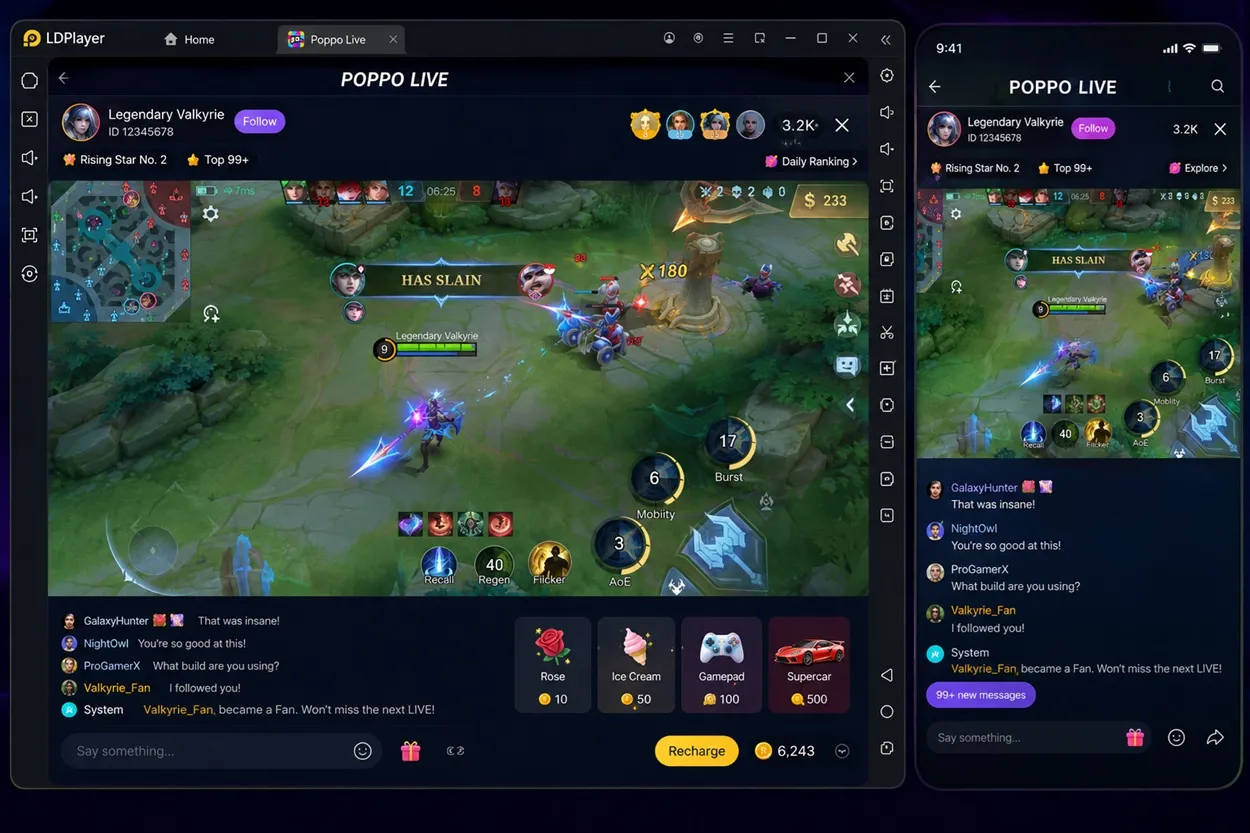
Upon establishing your virtual environment, you can now move on to advanced and compacted stream layout tools, for which you're required to open OBS Studio alongside your newly configured emulator window. Inside the OBS Studio panel, add a new Window capture source and select your running Android emulator from the dropdown menu. This shall mirror your emulator's screen directly into your streaming canvas.
For the next step, you are required to add an Audio Output Capture Source to route the internal game music and sound effects clearly to your viewing audience. Finally, you can position an external USB Webcam source in an open corner of your canvas layout to ensure that your viewers can always see your genuine reactions while you play.
Initiating the Live Feed Securely
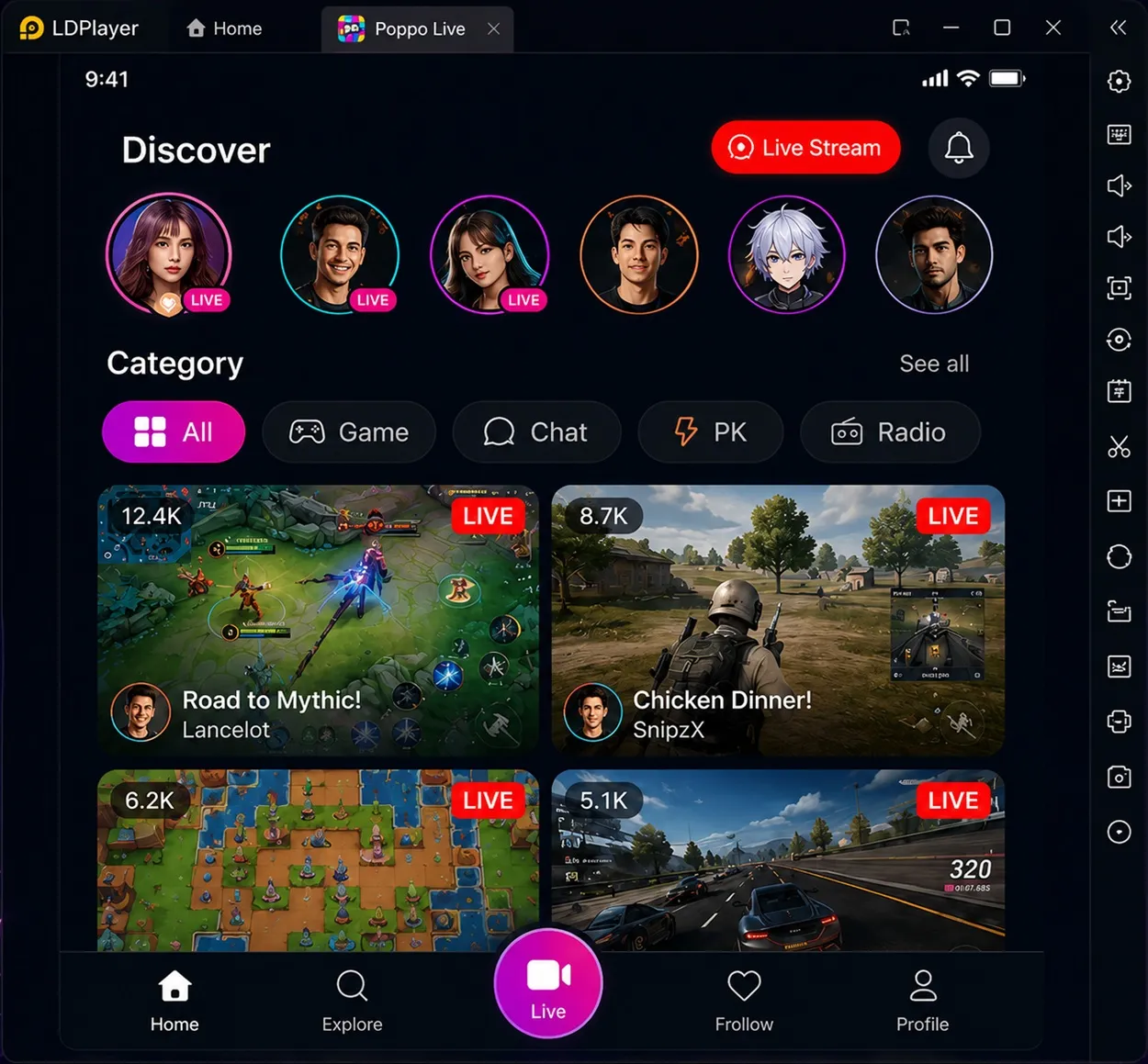
This is the final step required to stream your mobile games, where you are required to first launch the Poppo Live App within your emulator and tap the central Live button on the bottom navigation bar. Next, you can select an appropriate gaming category tag and compose an attention-grabbing title for your stream that describes your active gaming session. Now review your audio input meters inside OBS Studio to verify your microphone is balanced well against the game background music. When your audio and video output are balanced and perfect, you can tap the Go Live option inside the application to begin your broadcast.
How to Maximise Stream Quality and Viewer Engagement
Now that you've fully set up your gaming ecosystem and are ready to launch right into streaming through Poppo Live, the next battle to conquer is the Viewer engagement. To turn passing viewers into your dedicated followers, you need to deliberately optimise your production parameters and build an immersive community atmosphere. Given below are some suggestions to achieve that goal:
Technical Fine Tuning
Flawless performance is not achieved through default settings, and to achieve and maintain the crisp stream visuals during fast-paced action sequences, adjust your emulator settings to dedicate at least 4 CPU Cores and 4 GB RAM exclusively to processing the active game window. Inside your PC display or Graphic Card options, verify that your graphics drivers are updated to their latest stable version. Moreover, if your household Internet connection experiences unexpected bandwidth fluctuations, you can utilise a physical wired Ethernet connection rather than Wi-Fi to eliminate sudden latency spikes.
Interactive Strategies to Hook Your Audience
A common factor that unites the streaming community is that a streamer with elite knowledge never streams in silence. It is necessary that you engage in reading your incoming chat message aloud and reply to non-viewer comments as soon as they flash across the screen to keep an ongoing rapport with your audience. This enables you to scale your profile quickly and enhance your network reach.
In addition to that, you can also opt to rapidly scale your profile level using a secure Poppo Live top up that will allow you to acquire virtual coins instantly. You can further use these assets to fund your interactive community rewards that boost your stream exposure in return. The best platform to make the top-up is LDShop, it lets players top up for less and it is a great way to save money.
Conclusion
With the gaming and virtual world gradually shifting to compact devices, a platform like Poppo Live offers an incredibly lucrative opportunity to convert your daily gaming sessions into an active, monetised career. The required configuration and virtual environment are all you need to meet your technical needs, while your interaction with the audience and streaming quality will do the rest. So boot up your setup and start streaming today!






 TOP UP WITH DISCOUNT NOW
Edmund G. Kolis Experienced Game Editor
I'm a game guide writer with over 20 years of experience playing all types of games, especially anime-style RPGs, gacha and sports games. I love finding smart ways to beat tough levels without spending too much money. By studying game mechanics and character systems, I create easy tips to help players save time and resources. When I'm not gaming, I watch anime to get inspiration for strategies. My goal? To help you enjoy games more and stress less – even when facing "impossible" bosses! Let’s make gaming fun and affordable together!
