


Buy Modern Warfare 4 for Less on LDShop
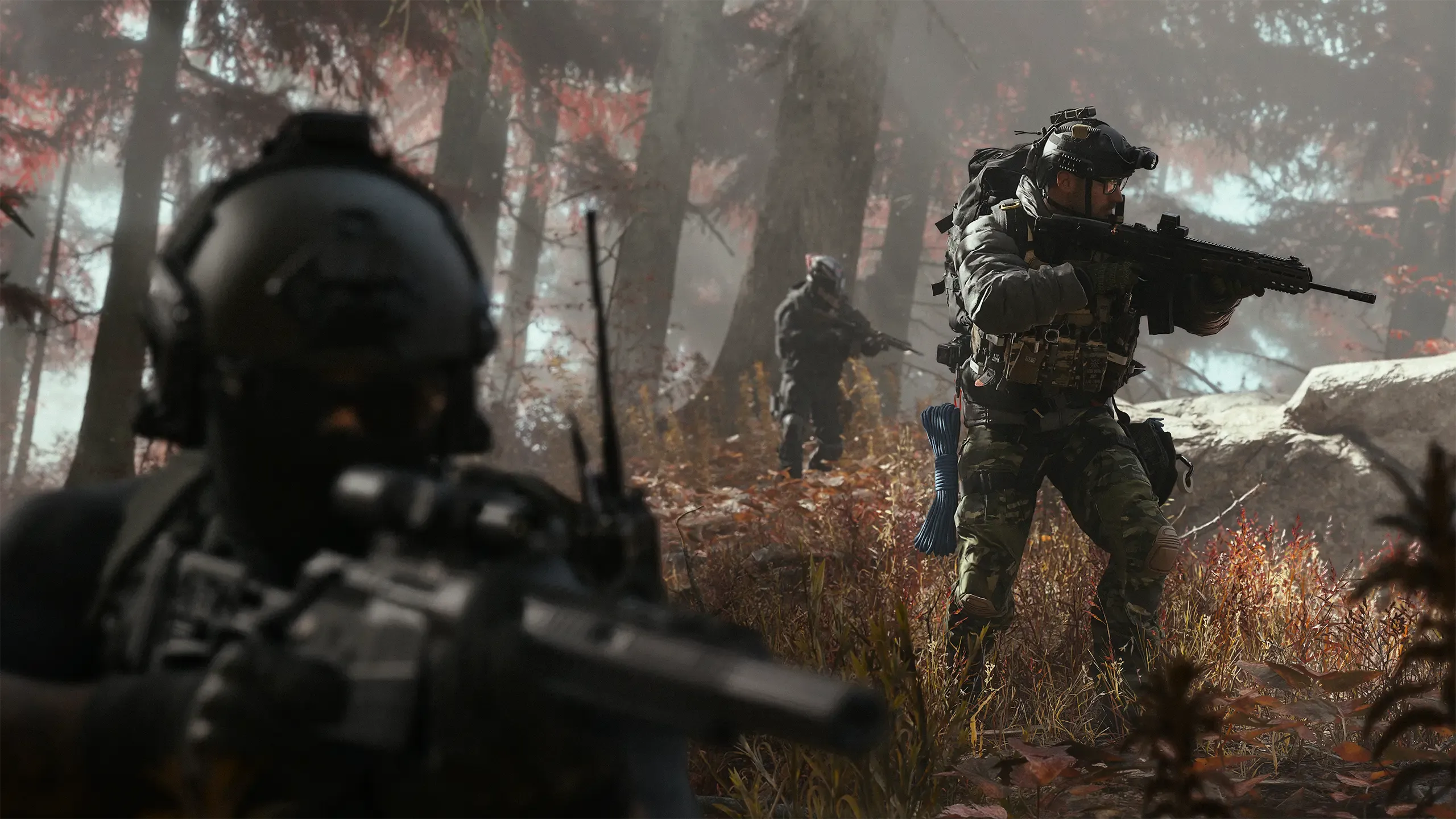
Buy Call of Duty: Modern Warfare 4 at a cheap price on LDShop, with secure checkout and convenient automatic activation on your own Microsoft/Xbox account. Fight through a cinematic campaign set against war on the Korean Peninsula, compete in Multiplayer, and risk your loadout for valuable loot in DMZ. Choose Standard or Vault Edition for Xbox Series X|S and Windows PC, and get more gaming value with LDShop.
Before you buy
Choose your edition
COD MW4 Standard Edition
Standard Edition — Full Base Game
Includes the base game with Campaign, Multiplayer, and DMZ. Choose Standard Edition if you want the full game without the Vault Edition extras.
COD MW4 Vault Edition
Vault Edition — Base Game + Bonus Content
Includes the base game, Hostile Alliance Operator Pack, Special Forces Operator Pack, Signature Weapon Collection, one season of BlackCell, and a DMZ Deployment Bonus.
Both editions include the full base game. Vault adds the listed bonus content; a Vault Edition Upgrade purchased separately does not include the base game. See the purchase section for the current LDShop price and eligible offers.
How does Xbox Auto-Activation work?
Xbox Auto-Activation activates your purchased game directly on your own Microsoft/Xbox account once you complete account linking. No 25-digit product key or manual code entry is required.
From checkout to your library
Select Standard or Vault Edition and review the supported devices, country restrictions and final price.
Complete your purchase using an available payment method at secure checkout.
After payment, go to Personal Center → Orders, open your order and select “Link Xbox Account”. Follow the Microsoft sign-in and authorization prompts using the account on which you want the game activated.
Once your order confirms successful activation, use that same Microsoft account on your Xbox Series X|S or the Xbox app on Windows to find, download and install the game. Sign in to your Activision account when prompted.
Activation does not install the game automatically. After activation, download it from your library using the same Microsoft account.
Why choose LDShop?
Compare Prices & Available Offers
Check the current MW4 Xbox/PC Automatic Activation price in the purchase section and review any eligible coupons before checkout. The final price depends on your selected edition and region.
Convenient Automatic Activation
After payment, follow the prompts to link your own Microsoft/Xbox account. Once activation succeeds, download the game on a supported Xbox console or through the Xbox app on Windows. No manual product-code redemption is required.
Clear Edition & Region Information
Compare Standard and Vault Edition and review the Global offer’s country restrictions before checkout. The game is activated on the Microsoft/Xbox account you link during the process.
Help with Orders & Activation
Get assistance from LDShop customer support with your purchase, delivery status, or redemption questions. Keep your order details handy for a quicker response.
Inside Modern Warfare 4
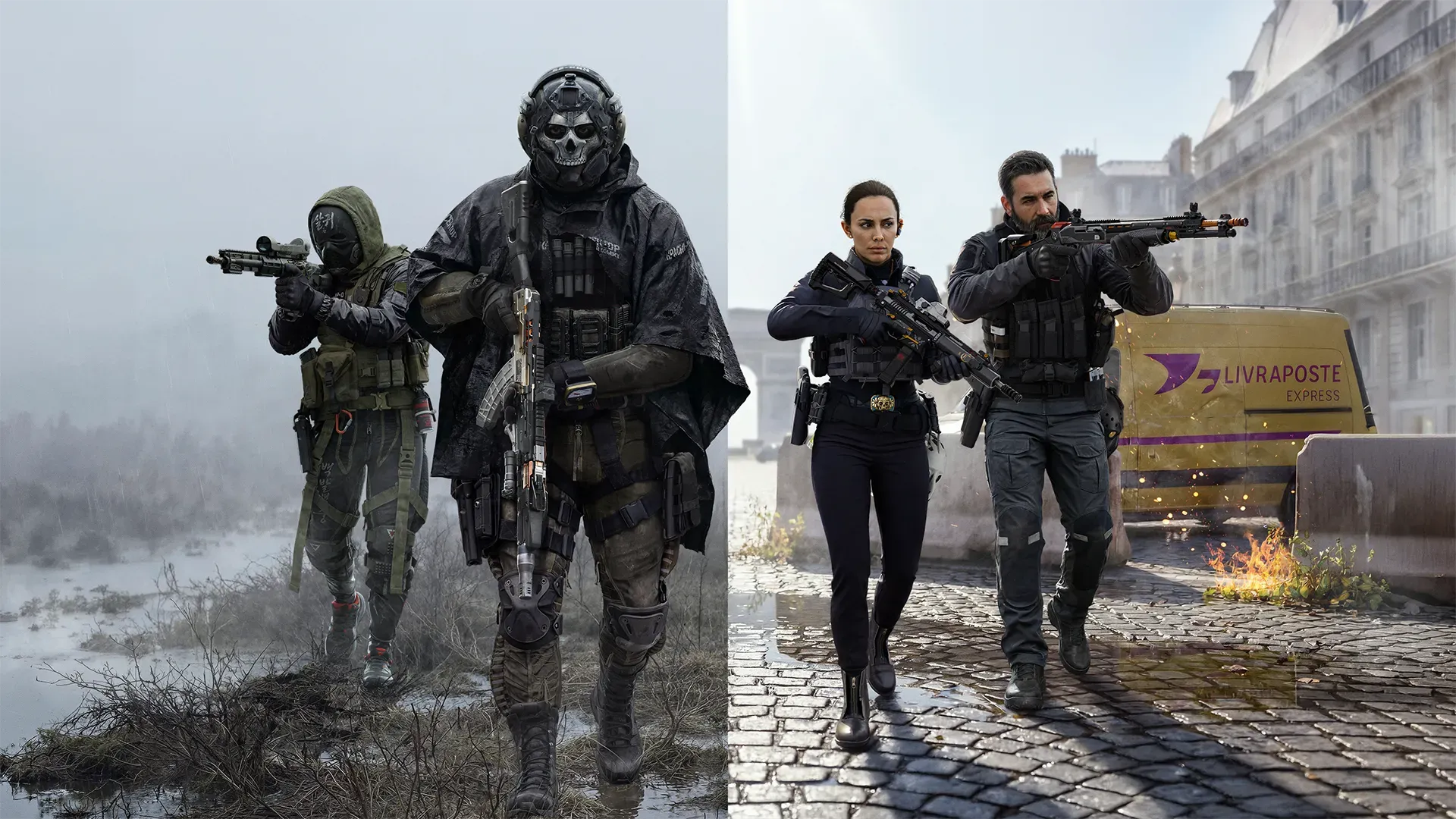
Call of Duty: Modern Warfare 4 (MW4) is a military first-person shooter developed by Infinity Ward and published by Activision. The campaign follows Private Park and a South Korean squad fighting through a conflict on the Korean Peninsula, while Captain Price carries out a covert mission beyond the front lines. From trench warfare to urban assaults, the story takes players through intense battles across multiple locations.
The main MW4 game modes offer three distinct ways to play: a story-driven Campaign, competitive Multiplayer, and the DMZ extraction experience. Multiplayer features 12 new 6v6 maps alongside larger battlefields with infantry and vehicles. In DMZ, you can deploy solo or with a squad, complete objectives, collect equipment, and decide whether to push for more loot or head for extraction.
When comparing MW4 vs MW3, the map lineup and main modes are two clear differences. MW3 launched with remastered classic maps and an open-world Zombies mode, while MW4 introduces new launch maps and brings DMZ into its core lineup alongside Campaign and Multiplayer. For returning players, that means new battlegrounds to learn and a different set of challenges beyond traditional competitive matches.
Xbox requirements
PC requirements
Operating System: Windows 10 64-bit (latest update)
Processor: AMD Ryzen 5 1400 or Intel Core i5-6600
Memory: 8 GB RAM
Graphics: NVIDIA GeForce GTX 970 / GTX 1060, AMD Radeon RX 470, or Intel Arc A580. Minimum 3 GB VRAM.
Storage: 115 GB SSD required
Security: TPM 2.0 and Secure Boot required.
For the official target of 90 FPS in Multiplayer at High settings: Windows 11 64-bit (latest update); AMD Ryzen 5 3600 or Intel Core i7-8700K; 16 GB RAM; AMD Radeon RX 6600 XT, NVIDIA GeForce RTX 3060 Ti or Intel Arc B580; 8 GB video memory; and 115 GB of available SSD storage at launch. Broadband internet and DirectX 12 compatibility are required. Additional space may be needed for updates. TPM 2.0 and Secure Boot are required on PC.
PC specifications apply to Windows PC only. This Xbox Play Anywhere title supports Xbox Series X|S and Xbox on PC. PC access uses the Xbox app/Microsoft Store ecosystem; it does not provide a Steam or Battle.net license.
Languages & audio
Official full localization includes English (US), German, Latin American Spanish, European Spanish, French, Italian, Brazilian Portuguese, Korean, Japanese and Simplified Chinese. Arabic, Polish, Russian and Traditional Chinese have text and subtitle support. Language availability can vary by region and platform; check the relevant Xbox store listing for your location.