


How to link your STOVE account?
1. Log in to the STOVE website
Go to store.onstove.com/en and sign in to your STOVE account.
2. Click the avatar icon at the top right, then select "Security Center";
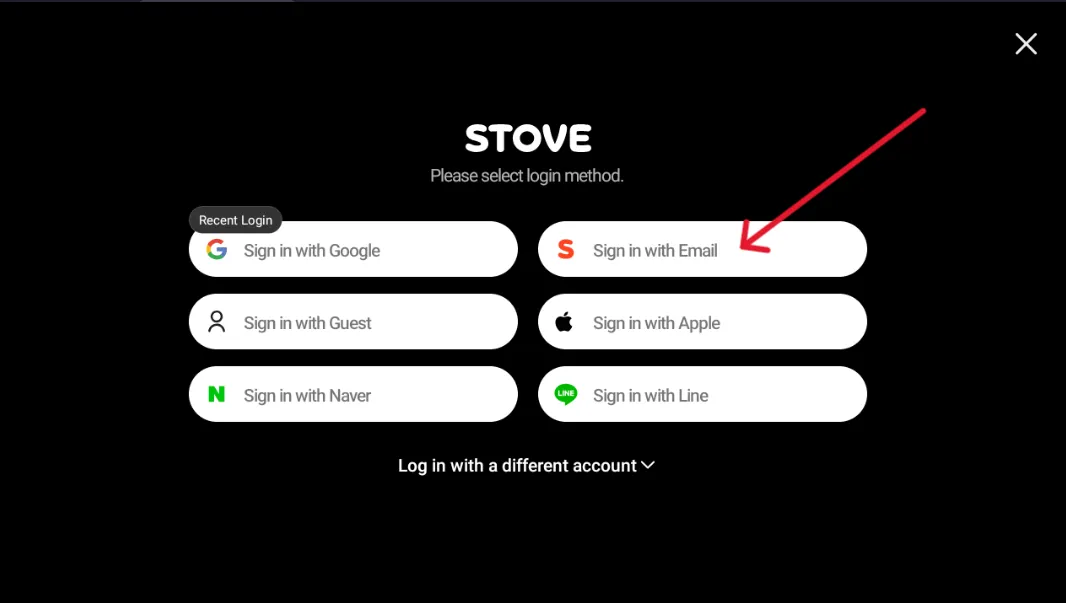
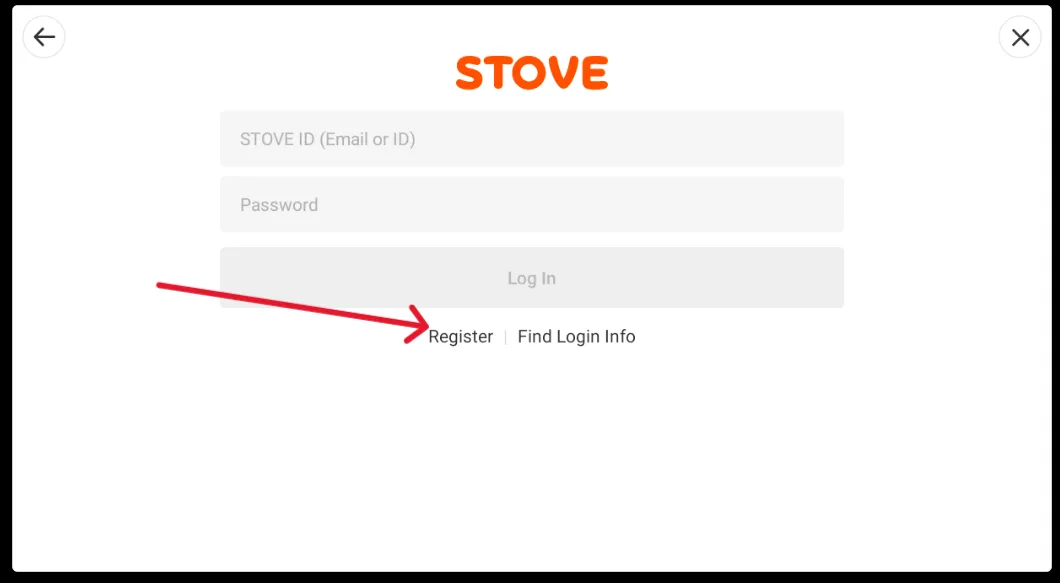
3. Click "Basic information" on the left menu, then click "Transfer" next to your account on the right;
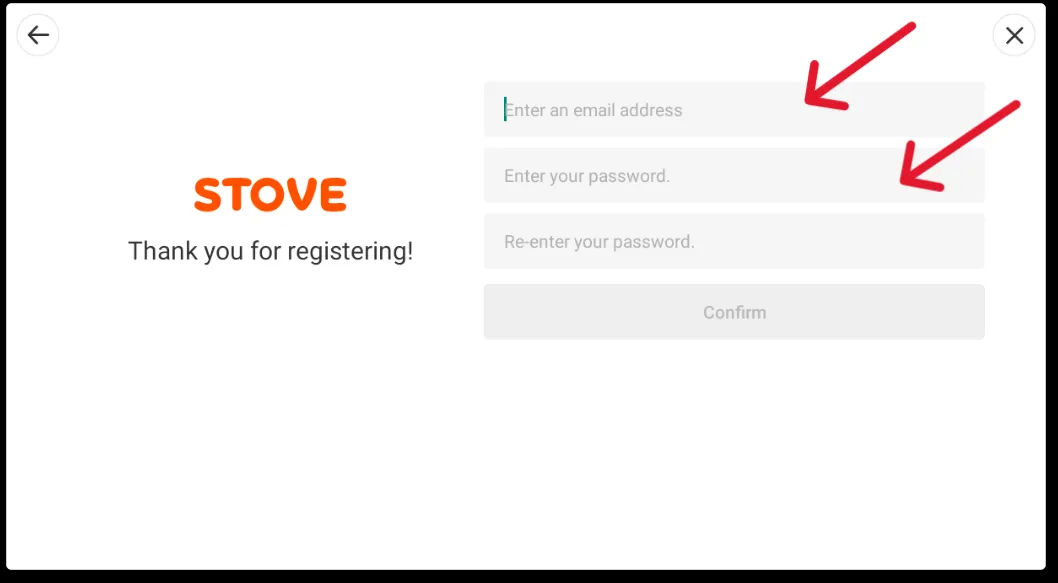
4. Select "Continue with Email", enter the email address you want to link and set a password;
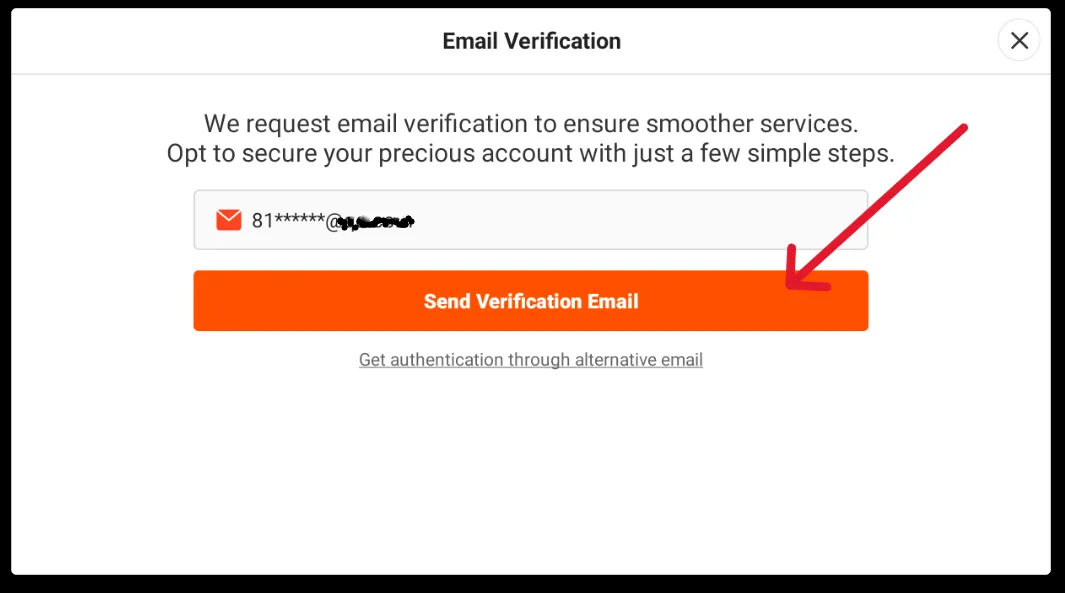
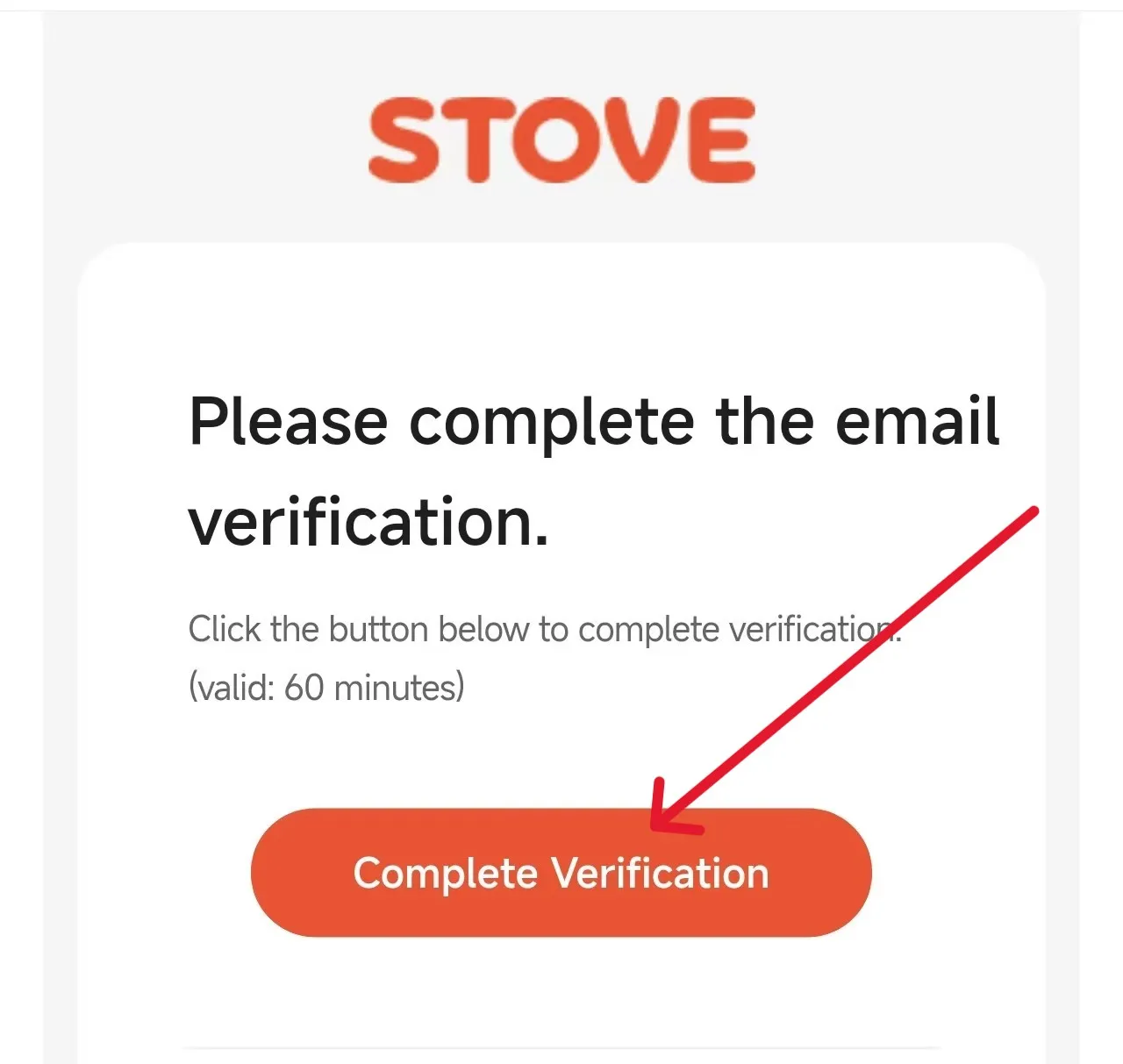
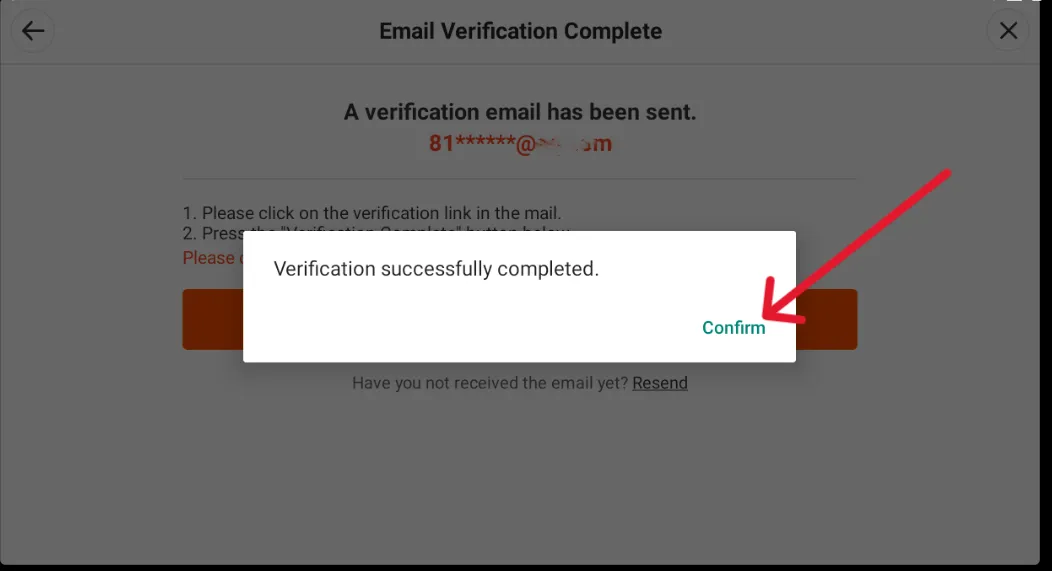
5. Check your email for the verification code and confirm your account is linked.
⚠️ Please make sure your email and password are entered correctly. After linking, please use your new STOVE email account for top-up.
* The linking process takes about 3-5 minutes. If you encounter any issues, please contact customer service for assistance.
CZN Top-up - Cheap, Safe & Fast
Are you ready to erase all despair and step into the dark fantasy world of CZN? In this cosmic catastrophe where the Chaos devours everything, you will take on the role of Commander Protos, leading your agents through crises and into the unknown. Every choice will rewrite your journey, and every battle could mean the difference between life and death. During the excited journey, don’t forget to top up your CZN Crystals to gain an edge!
Supported Platforms: Mobile & PC
Applicable Servers: Global Servers (Global/Asia)
Supported Login Methods: Official Account, Google, Facebook, NAVER, LINE
For faster processing, we recommend using a STOVE account.