

Genshin Top Up - Safe and Quick Genesis Crystal
In Genshin Impact, the journey to unlocking your ideal five-star characters and signature weapons can be a costly one. Whether it's pulling for a new character, stocking up on Primogems, or buy the Blessing of the Welkin Moon, it can add up quickly. Ready for Genshin new update? Choose LDShop for your Genshin top up and get Genesis Crystals quick and safe.
Top-up Required Information
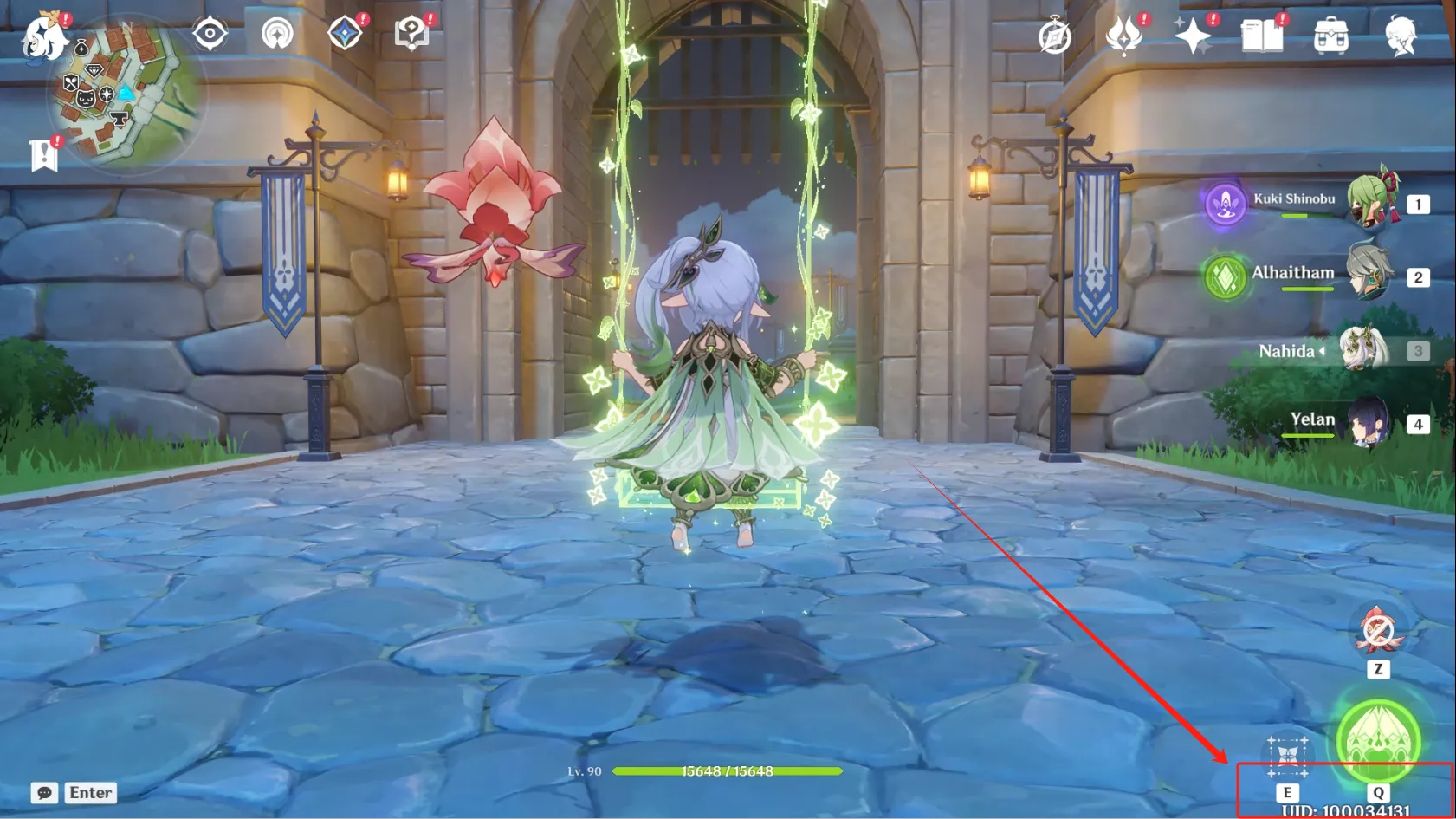
- Genshin Impact UID (Please copy and paste the UID for input whenever possible, instead of manually entering it to avoid recharge errors.)
- Server (Asia, America, Europe, HK/TW/MO)
- Applicable Platform: Mobile version, PC version, PS5 version, Xbox version.
Sony and HoYoverse have a deeper partnership, and it's now possible to top up directly on PS5 without logging into a mobile device to claim Genesis Crystals since Version 5.8.
* Please make sure to enter the required information correctly to guarantee a successful recharge.