LDShop
guide registrationRegister now to enjoy 15% off new member gift!Go to register >
Monster Hunter Outlanders (UID Top-Up)

Monster Hunter Outlanders (UID Top-Up)

Instant DeliveryInstant Delivery
🔥Invite Friends And Get 15%OFF

Available for Global (JP/EU/US) and Garena Asia(excluding KR), Garena LATAM clients. Game accounts already linked to the Garena Shop are currently not supported.

More Games You Might Like

Description

Monster Hunter Outlanders UID-direct Top Up

Top up Monster Hunter Outlanders on LDShop and get more Crimson Crest Coins for less. Enjoy discounts of up to 24% and skip the lengthy grind with our convenient UID-direct top up service.

Supported Servers

  • Global Client:JP / EU / US
  • Garena Client:Asia,LATAM(excluding KR)

Please select the correct server before placing your order.

Top Up Required Information

  • Monster Hunter Outlanders Game UID (Role ID)
  • Correct server selection (Global or Garena)
Top-up Procedures

How to top up MHO with UID on LDShop?

Step 1: Select the item you wish to purchase.

Step 2: Enter Your Game UID.

Step 3: Complete Your Payment: Choose a supported payment method and complete the payment.


Important Notice About Garena Shop Account Binding

Currently, game accounts already linked to the Garena Shop are not supported for top-ups through LDShop. This restriction applies to the Garena Asia Client. Please check your account's binding status before placing an order to avoid unsuccessful top-ups.

How to Check Whether Your Account Is Linked to the Garena Shop?

Step 1:Register for a Garena account and log in.

Step 2:Use the game UID you want to check to access the Garena Shop top-up process.

Step 3:Select Garena Shells as the payment method and attempt to proceed with the top-up.

Step 4:Follow the on-screen prompts to check whether your UID is already linked to the Garena Shop.

About Unlinking Your Garena Shop Account

There is currently no clearly documented method for unlinking an account from the Garena Shop. If you need to remove the link, we recommend contacting Garena's official customer support and following their instructions.

Important Safety Reminder

We do not recommend attempting to unlink your Garena Shop account on your own. Such actions may affect your game account or game data. Please proceed with caution and consult Garena's official support before making any changes.


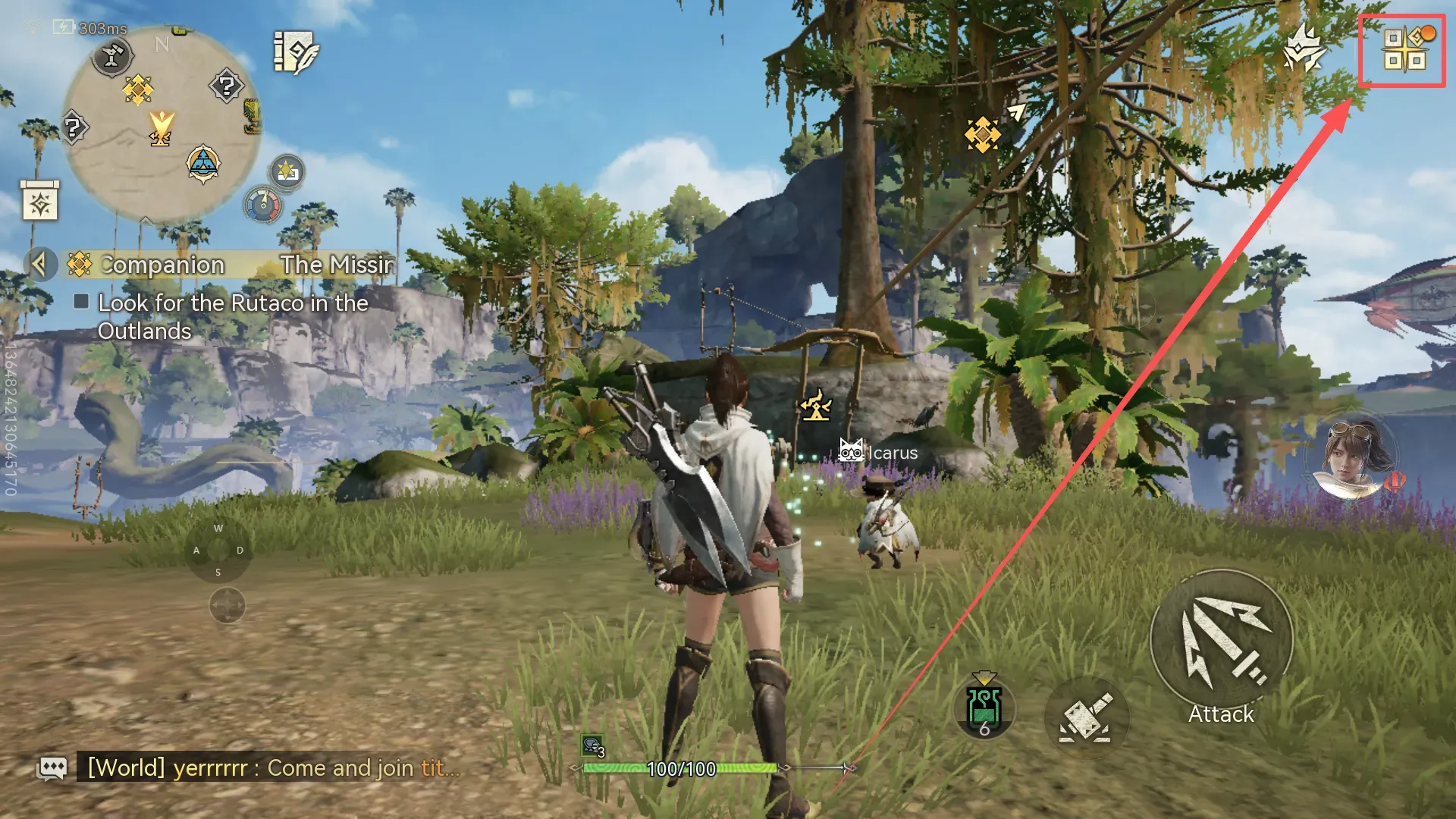
How to Find Your MHO UID?

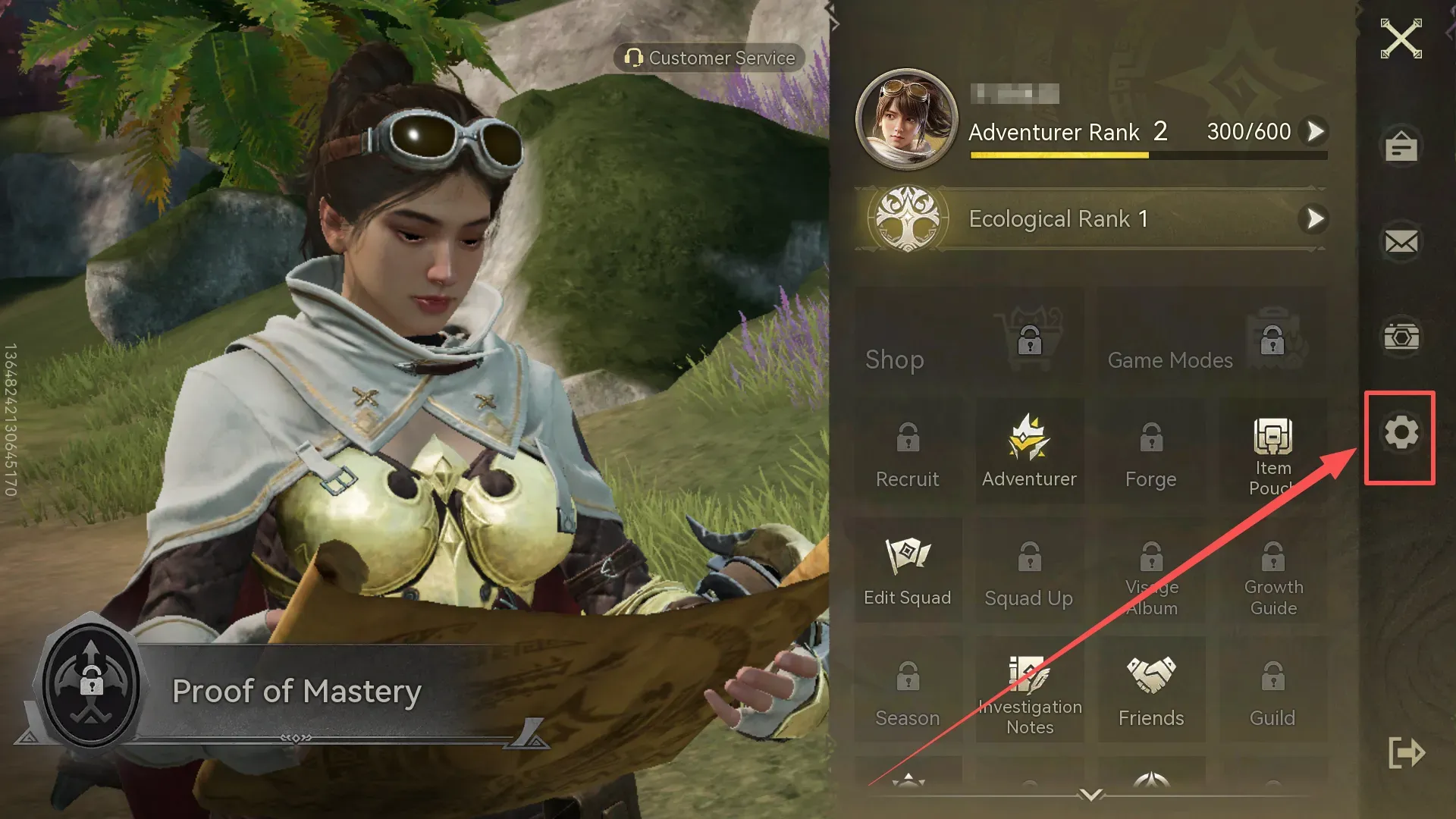
  1. Tap the icon in the top-right corner of the main page.

How to Find Your MHO UID?

2. Tap the settings icon.

How to Find Your MHO UID?

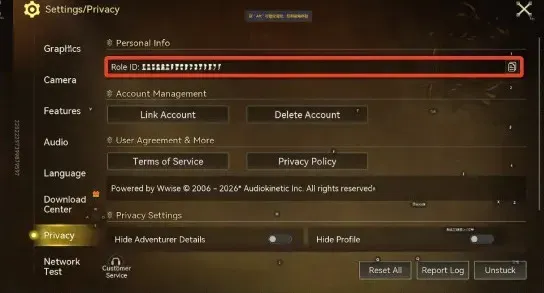
3. Tap "Privacy Settings" and locate the "Account Center."Your UID will be displayed here. Copy it and fill it in the corresponding field when placing your order.

How to Find Your MHO UID?

Why Top Up with LDShop?

  • More Value for Your Budget

Compare current package prices and use eligible LDShop promotions to lower your checkout total. Discounts and coupon eligibility are shown before payment.

  • Payment & Processing

Pay with Visa, Mastercard, or PayPal, where available. Orders are usually processed within a few minutes after successful payment. Available payment methods depend on your location and currency.

  • Safe & Secure

LDShop uses encrypted payment systems and official direct connections to provide a safe, secure top-up experience. Top up with confidence and focus on your next hunt.

  • 24-Hour Customer Support

Need help with account details or a delayed order? Contact LDShop live support with your order number so the team can check the purchase.


Monster Hunter Outlanders Top-Up FAQs

Where will I receive my Coins or pack rewards?

Rewards will be delivered via in-game mail after top-up. Some bulk rewards are distributed in batches. Check the mailbox on the character and server specified in your order.

Will I receive a first-top-up bonus?

Only if the product offers one and your account is eligible. Check the selected package's bonus description and your account's purchase history. Do not assume that a bonus shown for another denomination or an LDShop discount also applies to your order.

Can I change my details or cancel an order?

If you entered the wrong details, contact support immediately with the order number. Corrections or cancellation depend on whether processing has begun.